
Restaurant management software for one venue or a whole group
ScanServe gives a restaurant a single operational surface: the Restaurant Floor shows every table and running order, the kitchen sees production tickets, waiters see what is ready, and the owner sees sales, cost and stock without exporting anything. Because inventory, HR, payroll and accounting are part of the same platform, a plate sold on the floor already moves stock and lands in the ledger.
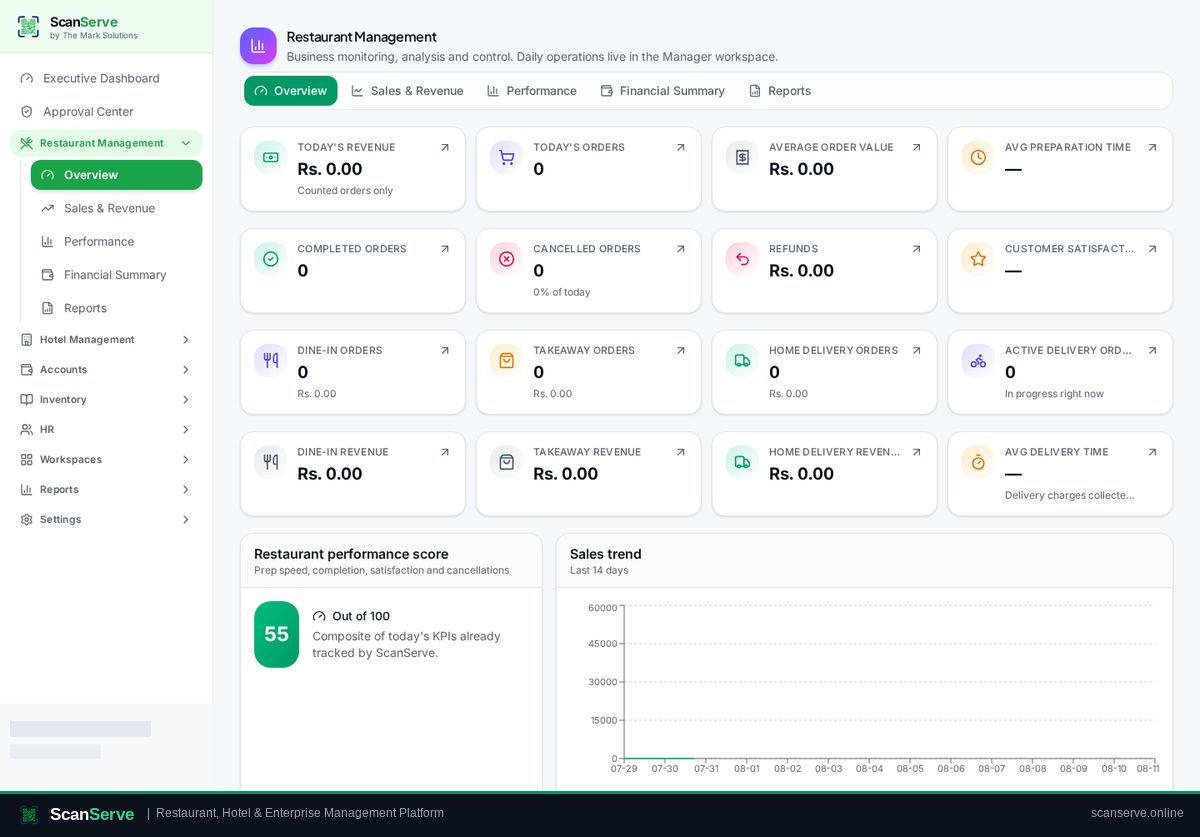
One operational entry point instead of separate tools
The Restaurant Floor is the working screen for front of house. From there staff open tables, start manual orders for dine-in, takeaway or phone, and follow orders arriving from guest QR scans.
- Live table map with running order values and open sessions
- Manual orders by source: dine-in, takeaway, phone
- Guest QR orders drop into the same queue as staff orders
- Shift sessions with opening cash, closing cash and handover
Back of house connected to the same data
Menu items can be linked to recipes, so serving a dish consumes ingredients from the store that supplies the outlet. Purchases, requests and approvals stay inside the platform.
- Recipe-based ingredient consumption per sold item
- Store-scoped stock so kitchen and bar balances stay separate
- Purchase requests routed to the owner Approval Center
- Revenue and supplier bills posted into the general ledger
Roles, permissions and audit
Each staff member signs in to a workspace scoped to their job: cashier, waiter, kitchen, rider, inventory manager, accounts manager or manager. Owners can open any workspace, and the action is recorded.
- Role-based navigation — staff only see their own workspace
- Owner workspace override with a visible banner
- Immutable approval history and security audit log
Step-by-step guides
Frequently asked questions
- Do guests need to install an app?
- No. Guests scan the table QR code and the menu opens in the phone browser.
- Can one account run several restaurants?
- Yes. Restaurants (and hotels) belong to an organization, and the owner dashboards roll them up.
Related pages
See it running in your own venue
Start free, or open the interactive demo first.