
ScanServe Workspaces & How-To
Pick a workspace, open a function, and follow the real ScanServe screens step by step — with markers showing exactly where to click.
Six connected workspaces
Restaurant, Hotel, Inventory, HR and Accounts all feed the Owner view.
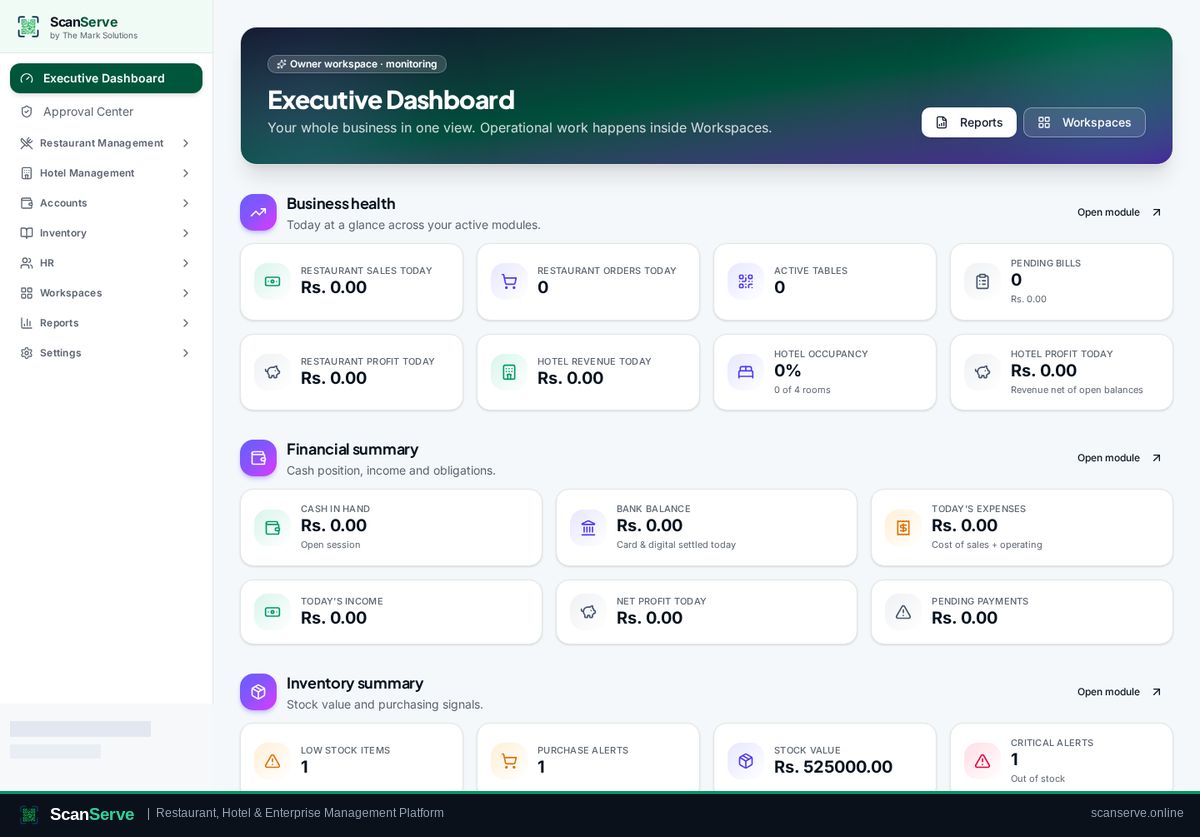
Owner
The Owner workspace is your monitoring and control layer: business health, cash position, approvals, workspace access and the full report library — without doing operational work yourself.
4 how-to guides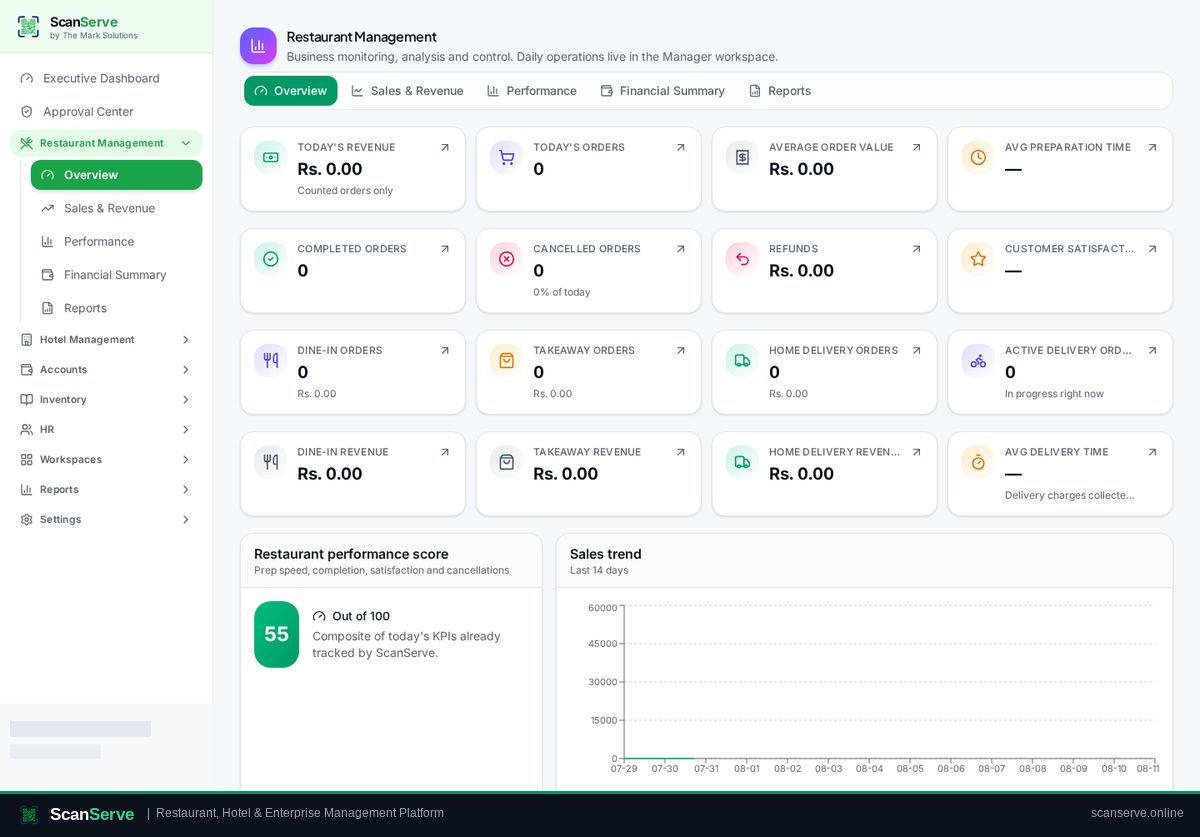
Restaurant
Everything a restaurant runs on: menu, tables and QR codes, floor and manual orders, waiter and kitchen workflow, home delivery with rider, billing, sessions and sales analytics.
7 how-to guides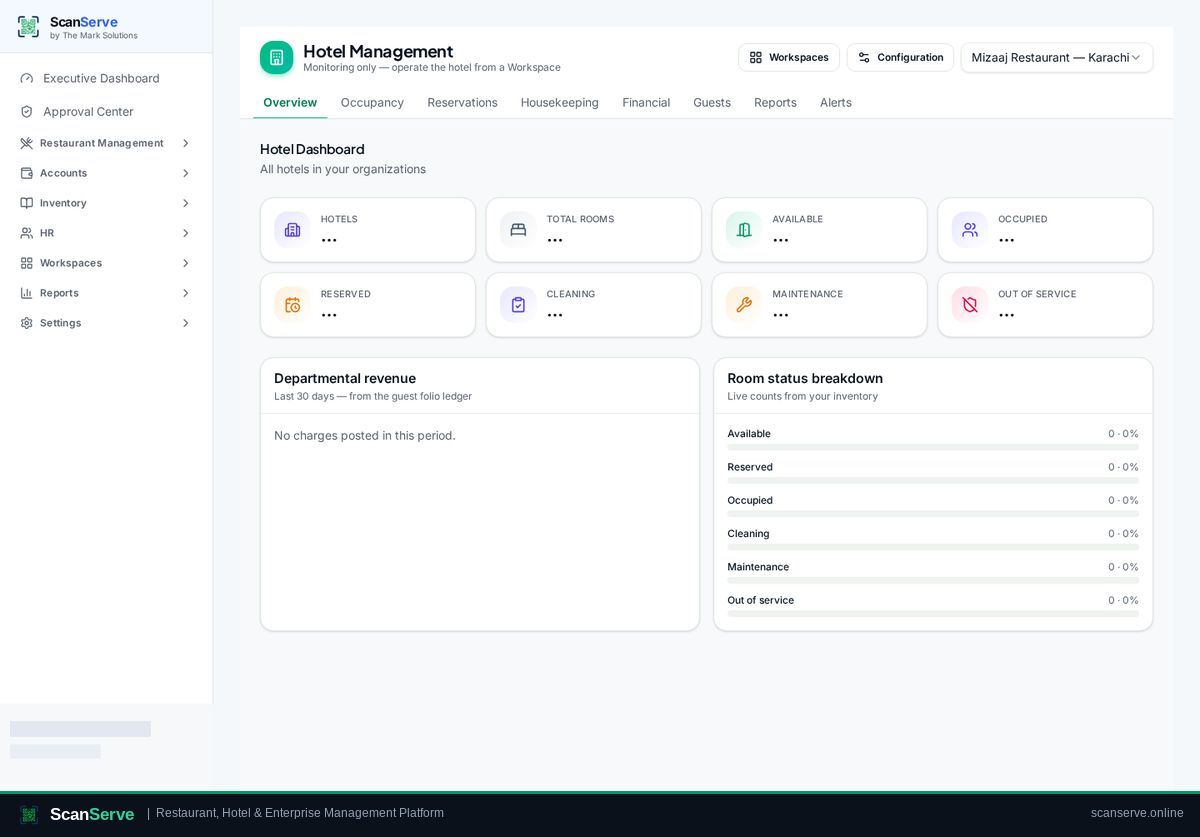
Hotel
Hotel property setup, room types and rooms, reservations, reception check-in and check-out, guest folios and billing, housekeeping, laundry, maintenance and hotel reports.
5 how-to guides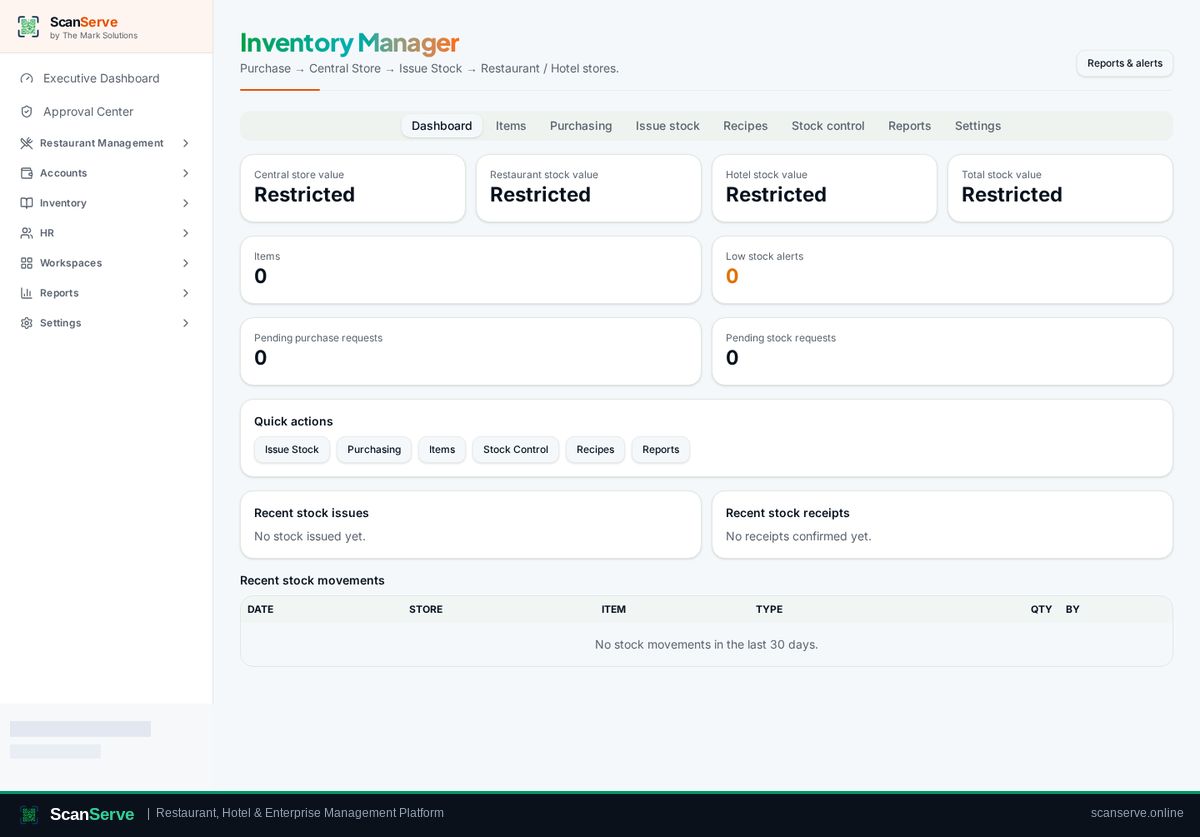
Central Inventory
One central store buys, stores and issues stock to restaurant and hotel stores — with items and units, recipes, stock counts, valuation, low-stock alerts and a full audit trail.
6 how-to guides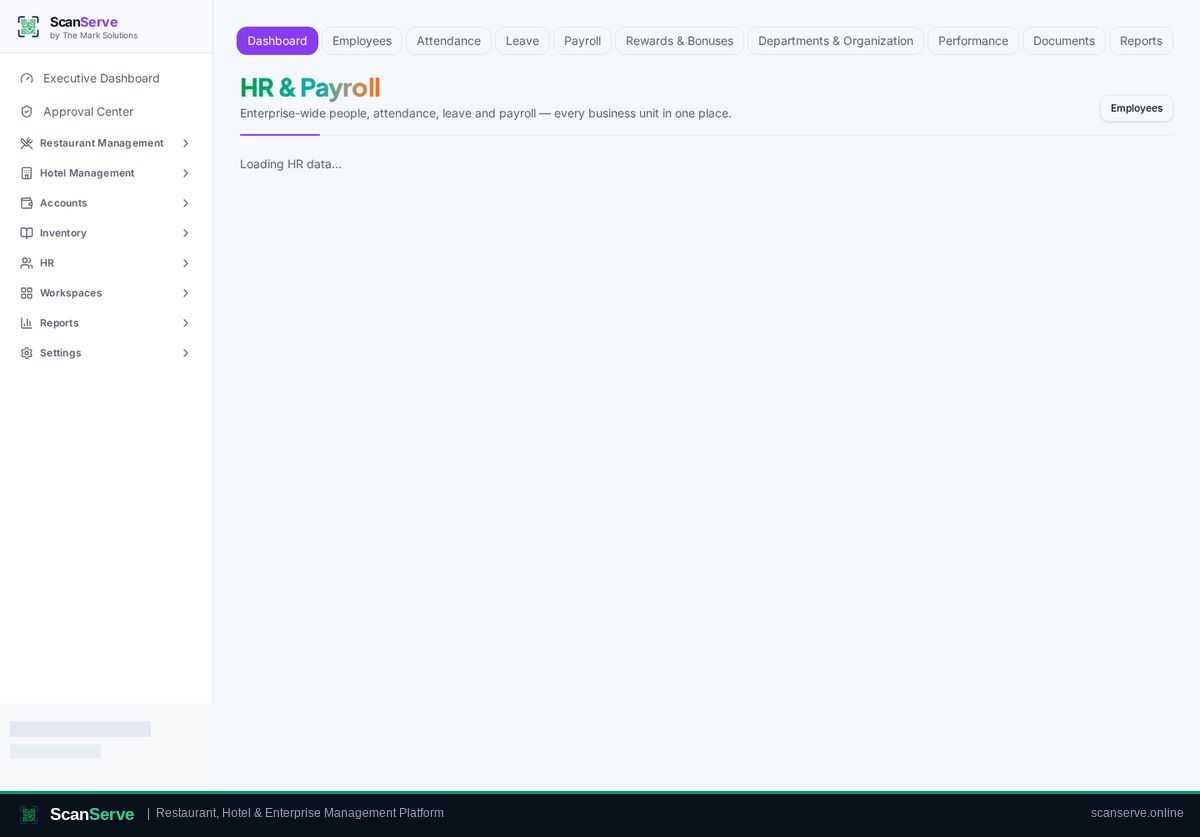
HR & Payroll
Employee master, departments and designations, attendance and leave, salary structure, payroll runs, payslips and HR reports for your restaurant and hotel teams.
3 how-to guides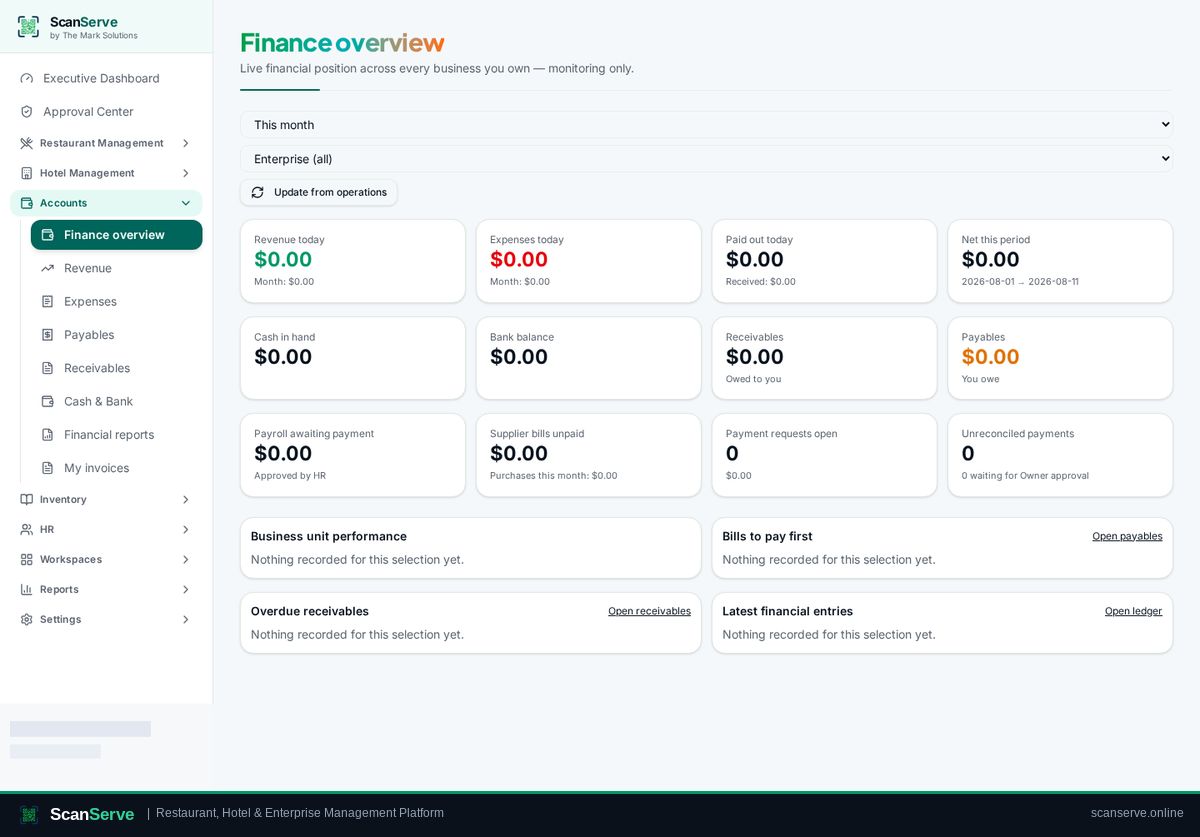
Accounts & Finance
Chart of accounts and a double-entry general ledger fed by operations: revenue, payables, receivables, cash and bank, reconciliation and financial reports.
5 how-to guides