
All workspaces
Owner workspace
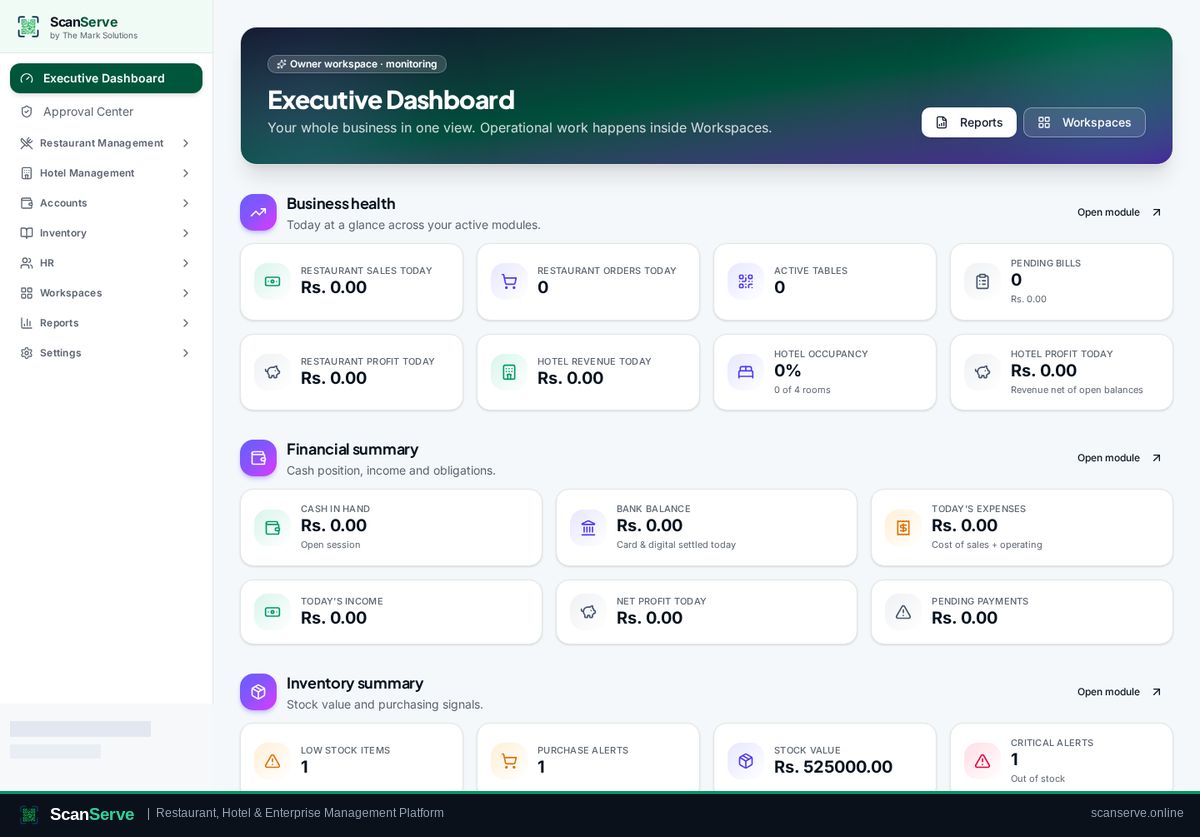
The Owner workspace is your monitoring and control layer: business health, cash position, approvals, workspace access and the full report library — without doing operational work yourself.
Workspace dashboard
Important functions
Click any function to open its visual step-by-step guide.
- 1Create & manage your enterpriseSet up your business profile, modules and branches from the guided setup and Settings console. 3 steps
- 2Open any staff workspace as OwnerEnter Restaurant, Hotel, Inventory, HR or Finance workspaces in audited Owner Override Mode. 3 steps
- 3Approve spending & staff requestsOne inbox for purchase requests, payments and other actions that need Owner sign-off. 3 steps
- 4Run reports & open the Report LibraryBranded PDF reports for sales, finance, hotel, inventory and HR from one place. 3 steps