Owner workspace
Run reports & open the Report Library
Branded PDF reports for sales, finance, hotel, inventory and HR from one place.
3 steps · real ScanServe screens- 1
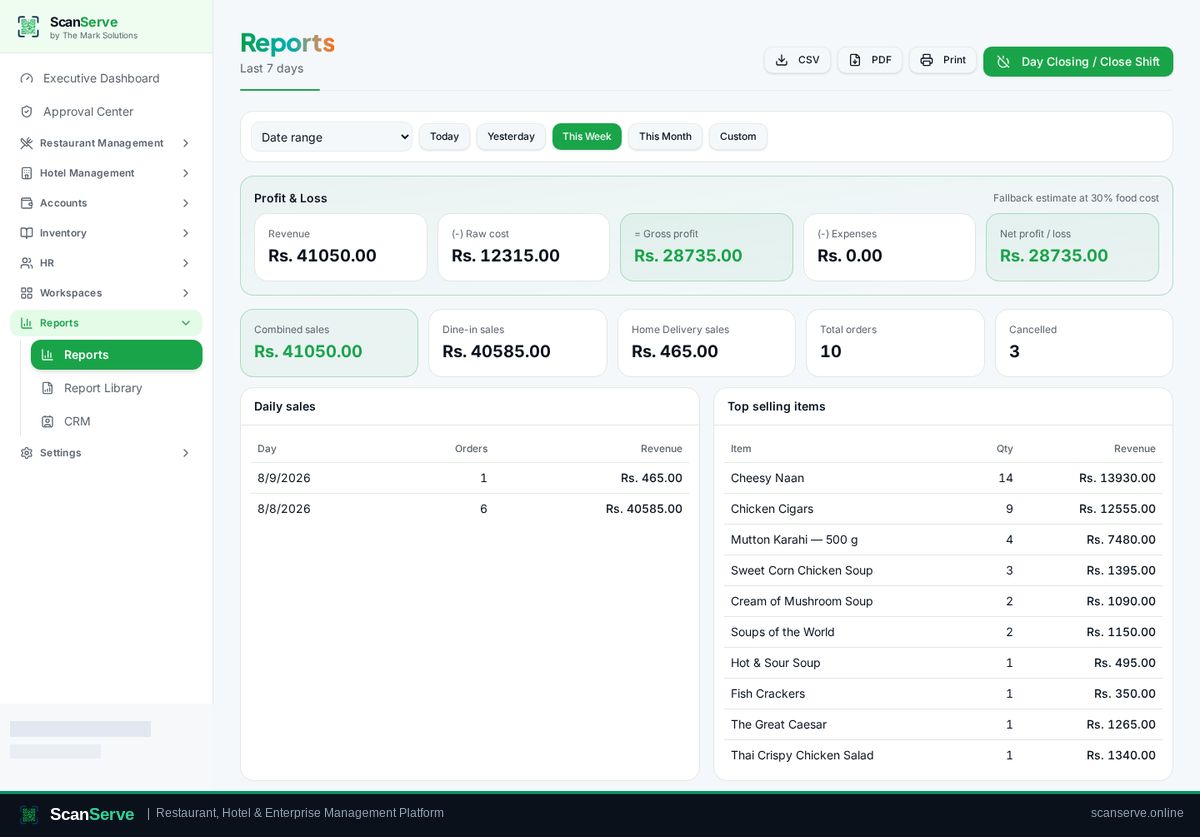
Step 1: Open Reports
Click Reports in the sidebar and pick your period.
- 2
Step 2: Export the PDF
Use the export action to generate the branded ScanServe PDF report.
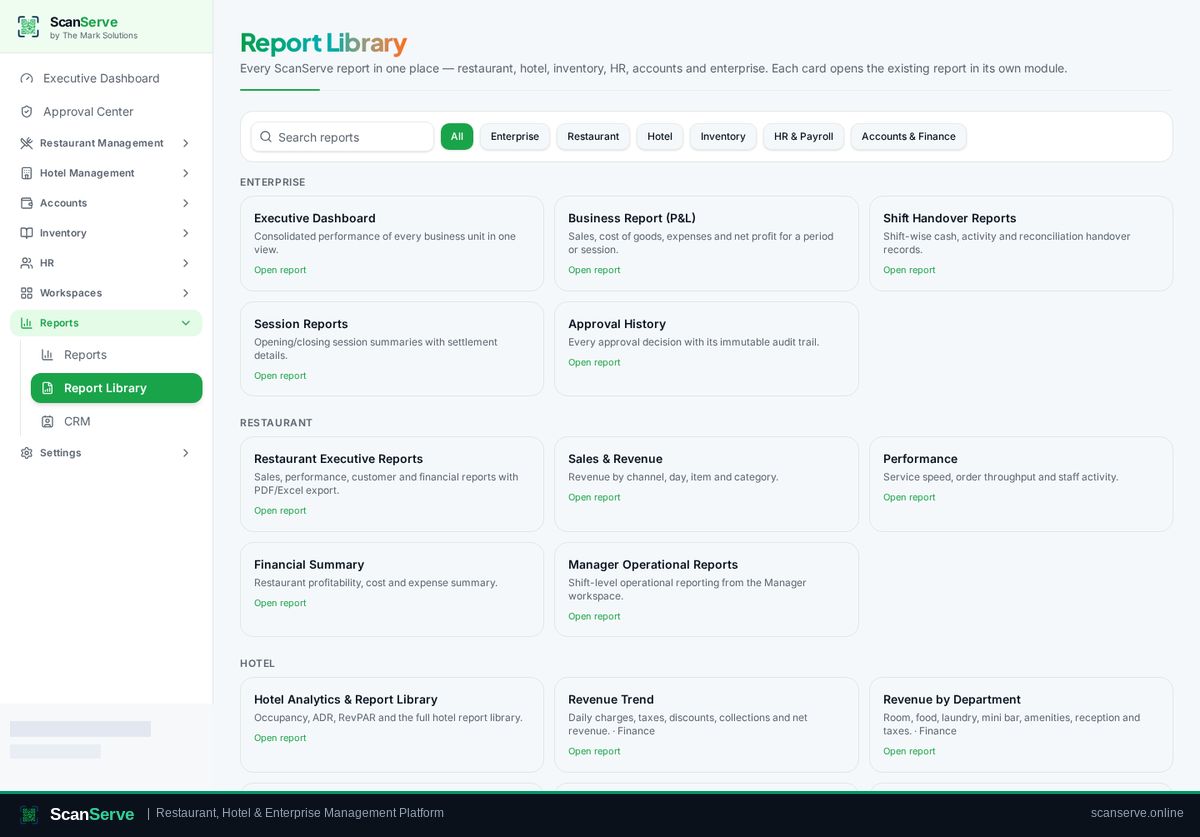
Result: Browse the Report Library
Reports → Report Library lists every report available across all modules.