Owner workspace
Create & manage your enterprise
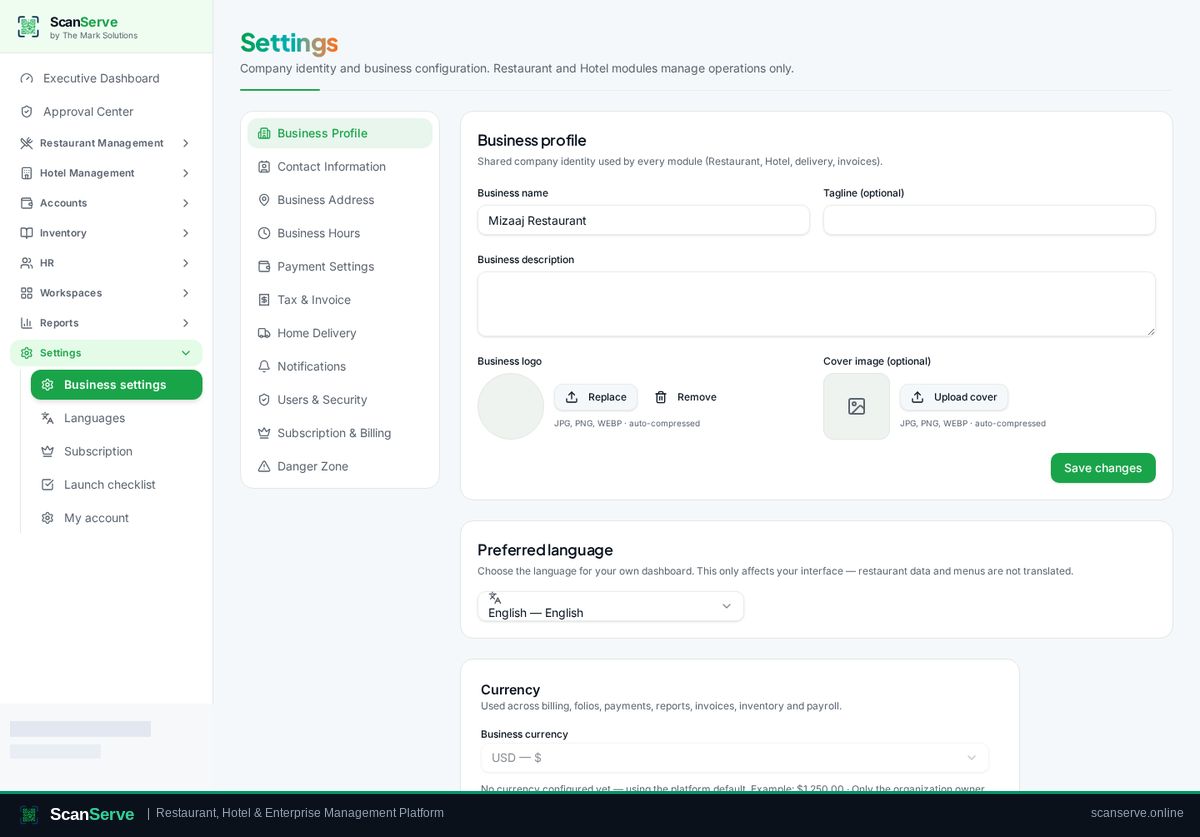
Set up your business profile, modules and branches from the guided setup and Settings console.
3 steps · real ScanServe screens- 1
Step 1: Open the setup wizard
Go to Settings → Business setup to run the guided setup.
- 2
Step 2: Complete each step
Fill business details, choose the modules you use, then continue through the wizard.
Result: Manage everything later in Settings
Settings holds business profile, currency, staff, printers, QR, languages and subscription.