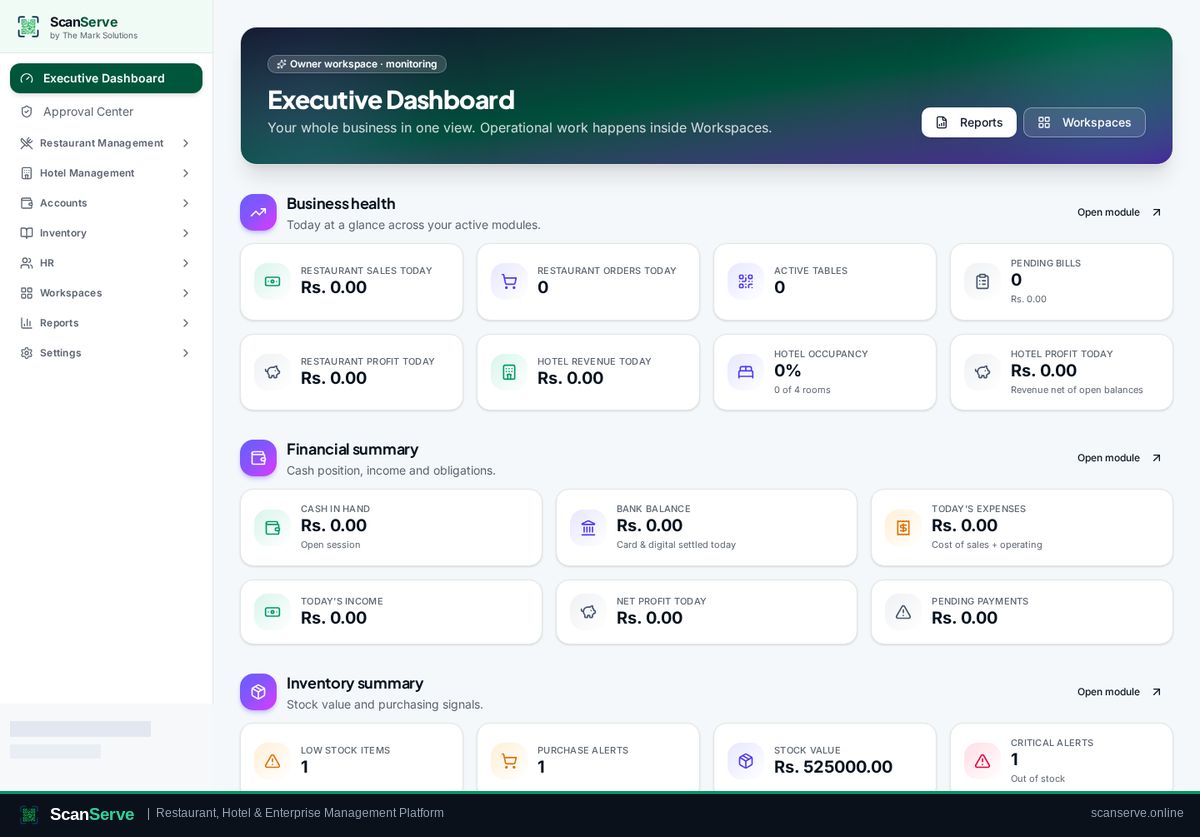
Owner workspace
Open any staff workspace as Owner
Enter Restaurant, Hotel, Inventory, HR or Finance workspaces in audited Owner Override Mode.
3 steps · real ScanServe screens- 1
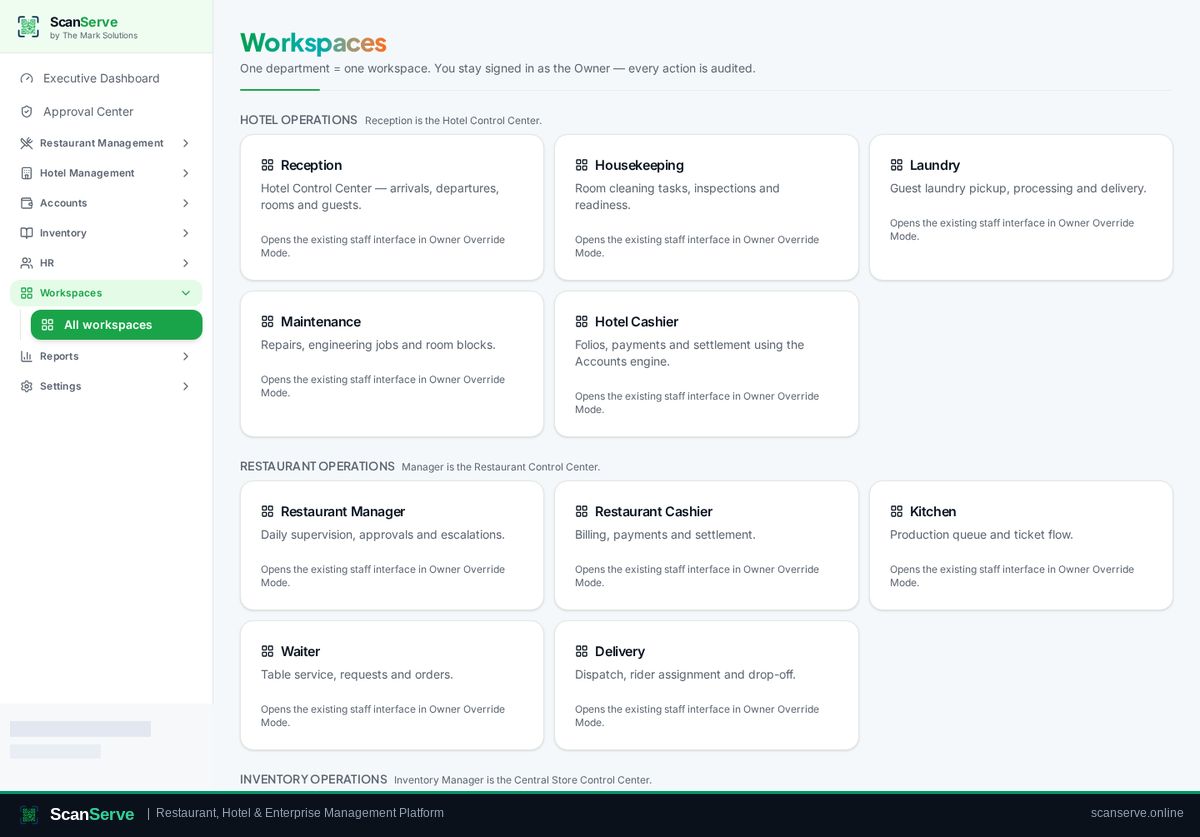
Step 1: Open Workspaces
Click Workspaces in the sidebar to see every department workspace.
- 2
Step 2: Pick a workspace
Click a workspace card — it opens the real staff screen, and every action is logged.
Result: Return to your executive view
Executive Dashboard keeps sales, profit, occupancy, cash and stock in one live view.