
All workspaces
Central Inventory workspace
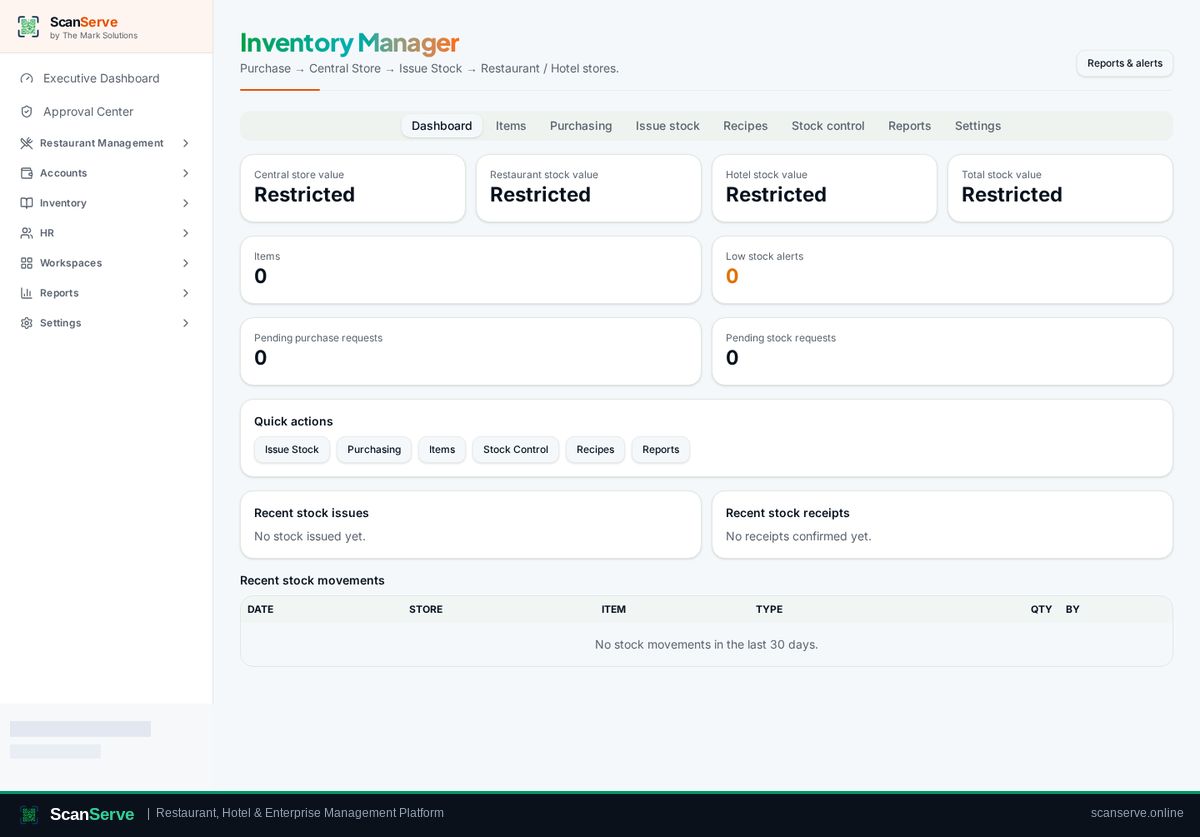
One central store buys, stores and issues stock to restaurant and hotel stores — with items and units, recipes, stock counts, valuation, low-stock alerts and a full audit trail.
Workspace dashboard
Important functions
Click any function to open its visual step-by-step guide.
- 1Build the item masterCreate items with SKU, unit, category and supplier before purchasing. 3 steps
- 2Purchase into the central storeRecord a central purchase so stock and moving-average cost land in the central store. 3 steps
- 3Request stock & get approvalWorkspaces raise purchase or stock requests; the Owner approves them centrally. 3 steps
- 4Issue stock to a storeMove stock from the central store to a restaurant or hotel store, with batch consumption. 3 steps
- 5Recipes & automatic consumptionLink menu dishes to ingredients so sales consume stock automatically. 3 steps
- 6Valuation, alerts & reportsStock valuation, low-stock alerts, movement and audit reports. 3 steps