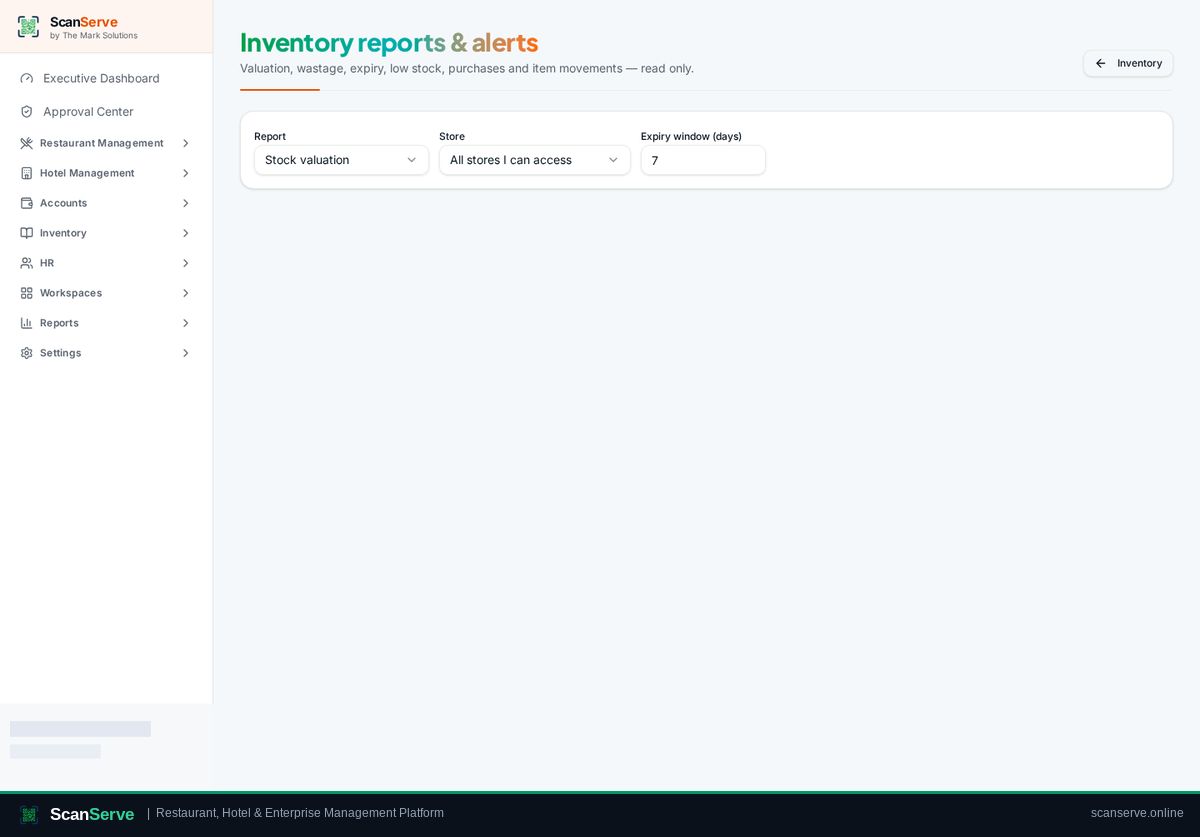
Central Inventory workspace
Recipes & automatic consumption
Link menu dishes to ingredients so sales consume stock automatically.
3 steps · real ScanServe screens- 1
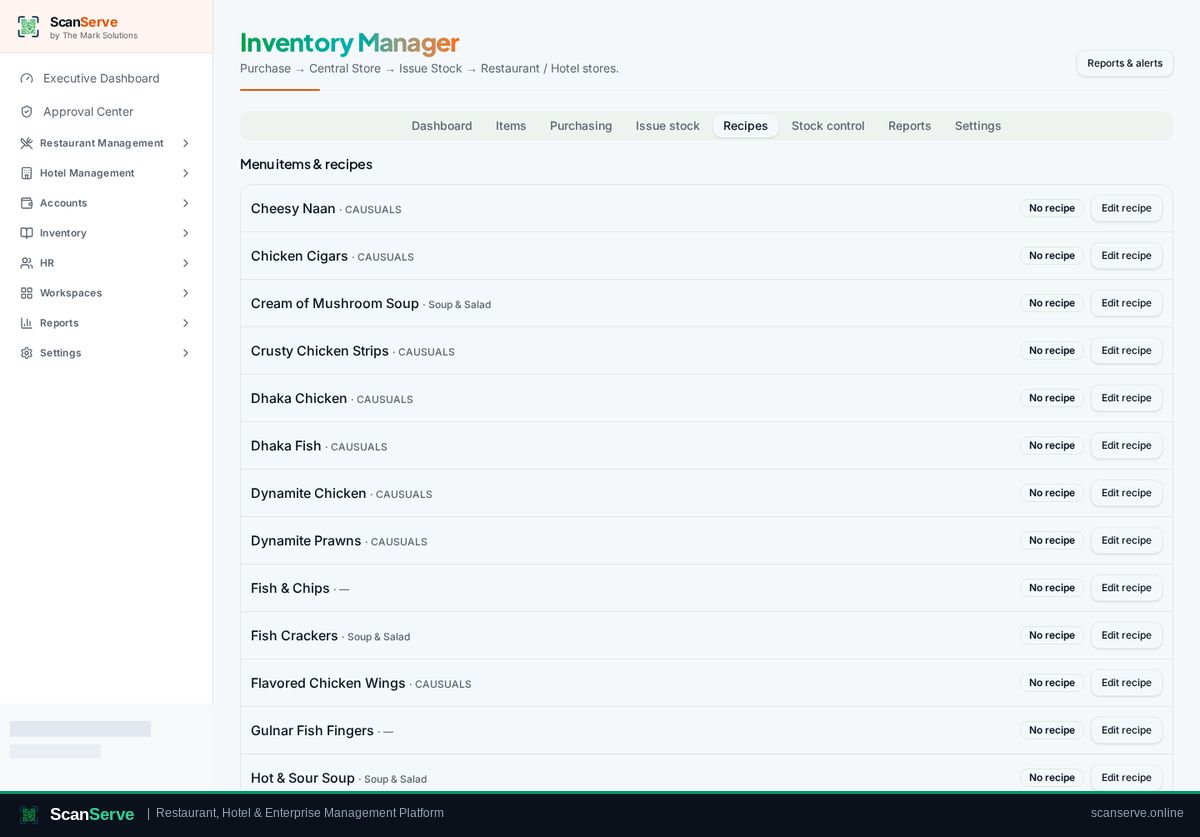
Step 1: Open Recipes
Inventory → Recipes links each dish to its ingredients.
- 2
Step 2: Add ingredients & quantities
Set the quantity of each ingredient used per portion.
Result: Consumption is reported
Sales now reduce stock and appear in consumption and valuation reports.