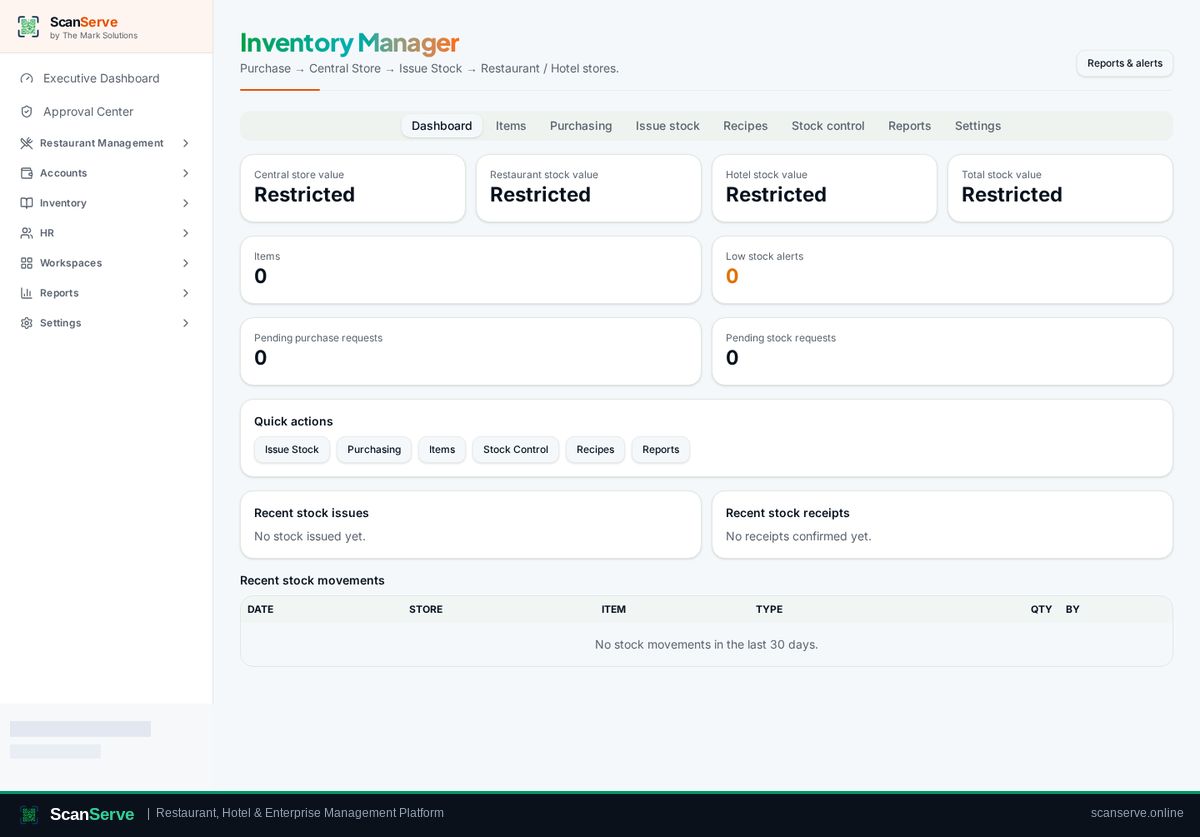
Central Inventory workspace
Valuation, alerts & reports
Stock valuation, low-stock alerts, movement and audit reports.
3 steps · real ScanServe screens- 1
Step 1: Open Reports & alerts
Open the inventory Reporting Center from Reports & alerts.
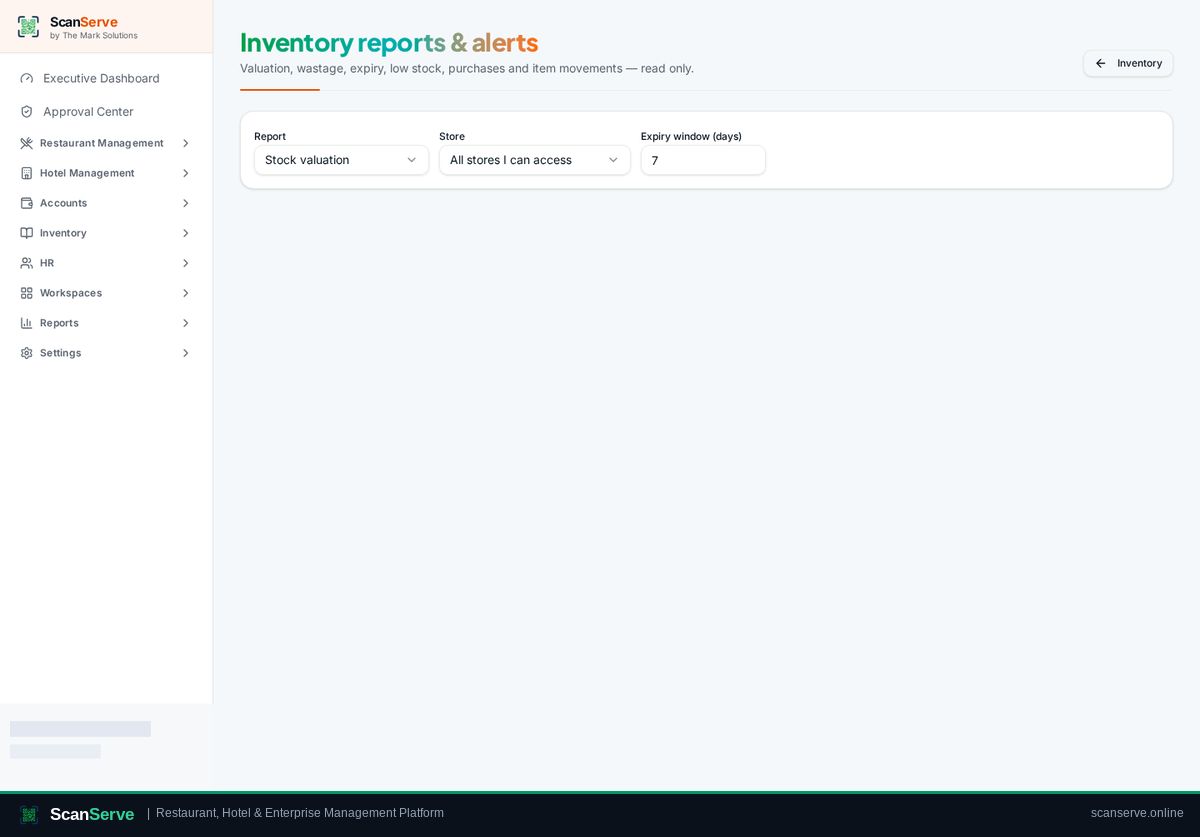
- 2
Step 2: Pick a report
Choose valuation, movement, consumption or low-stock and set the period.
Result: Act on alerts
Low stock and purchase alerts stay visible on the dashboard.