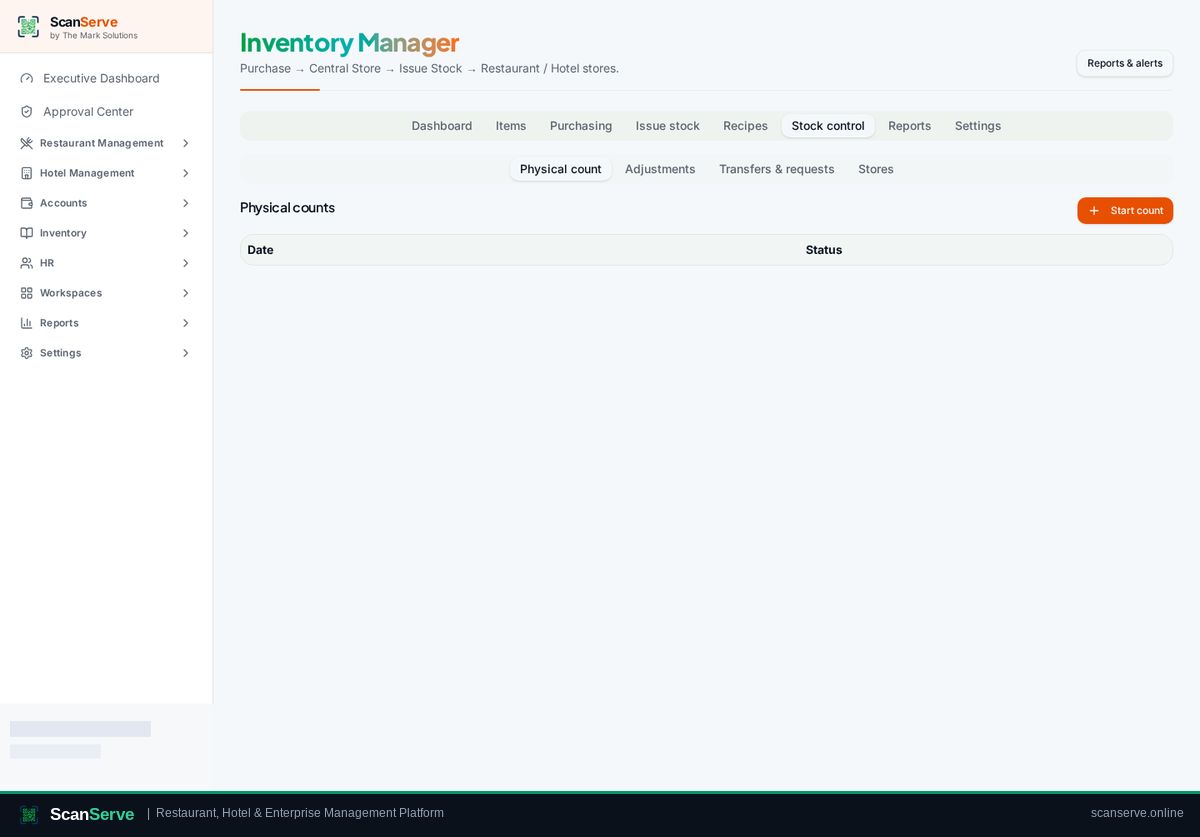
Central Inventory workspace
Issue stock to a store
Move stock from the central store to a restaurant or hotel store, with batch consumption.
3 steps · real ScanServe screens- 1
Step 1: Open Issue stock
Inventory → Issue stock lists requisitions and transfers.
- 2
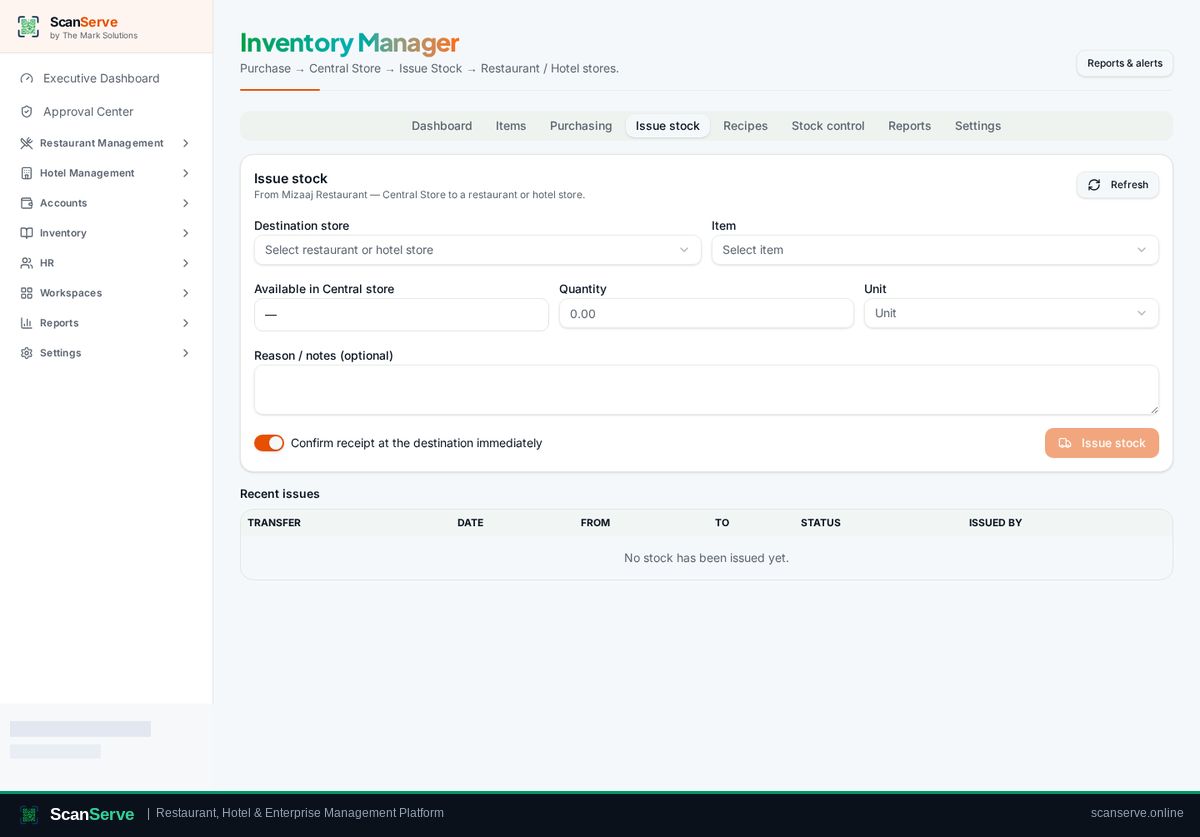
Step 2: Issue to the requesting store
Choose the destination store, confirm quantities and issue.
Result: Verify balances
Stock control shows store-wise balances and lets you run counts.