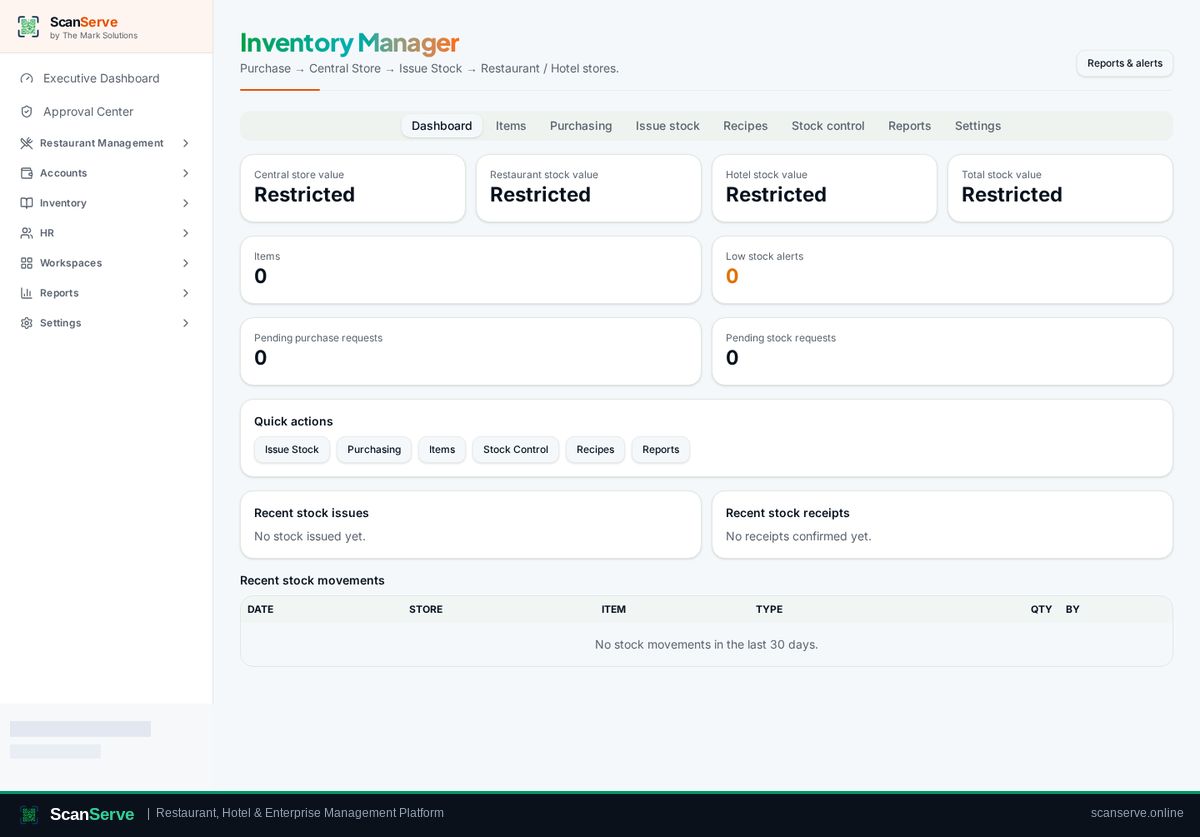
Central Inventory workspace
Purchase into the central store
Record a central purchase so stock and moving-average cost land in the central store.
3 steps · real ScanServe screens- 1
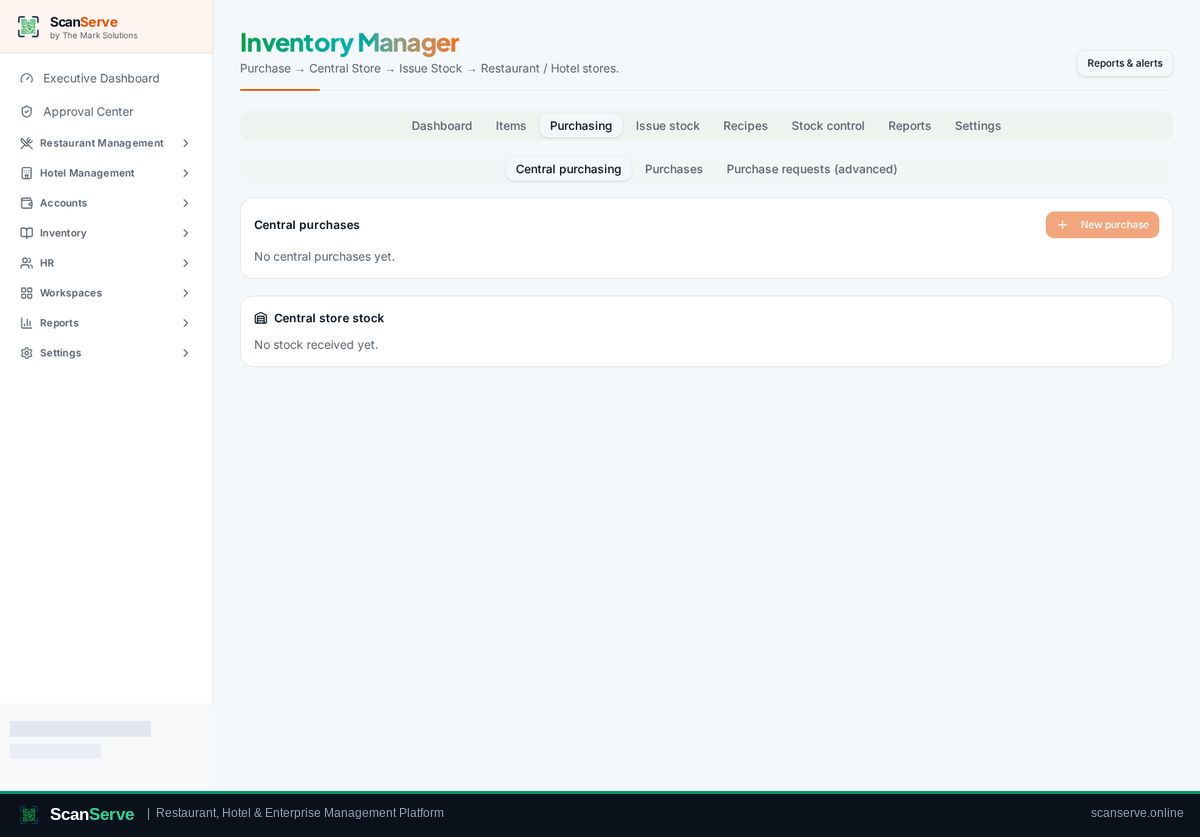
Step 1: Open Purchasing
Inventory → Purchasing → Central purchasing.
- 2
Step 2: New purchase
Click New purchase, choose the supplier and add items with quantity and rate.
Result: Stock value updates
Received stock and its value appear immediately on the inventory dashboard.