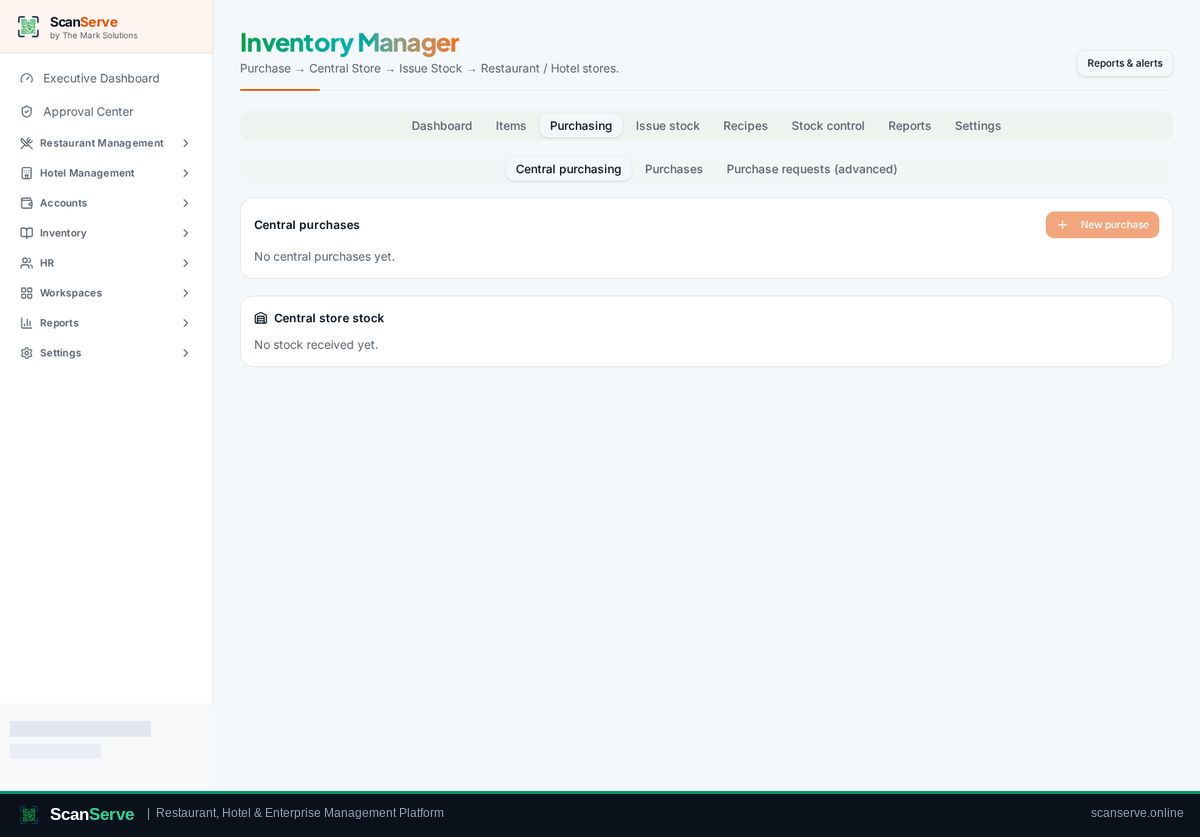
Central Inventory workspace
Request stock & get approval
Workspaces raise purchase or stock requests; the Owner approves them centrally.
3 steps · real ScanServe screens- 1
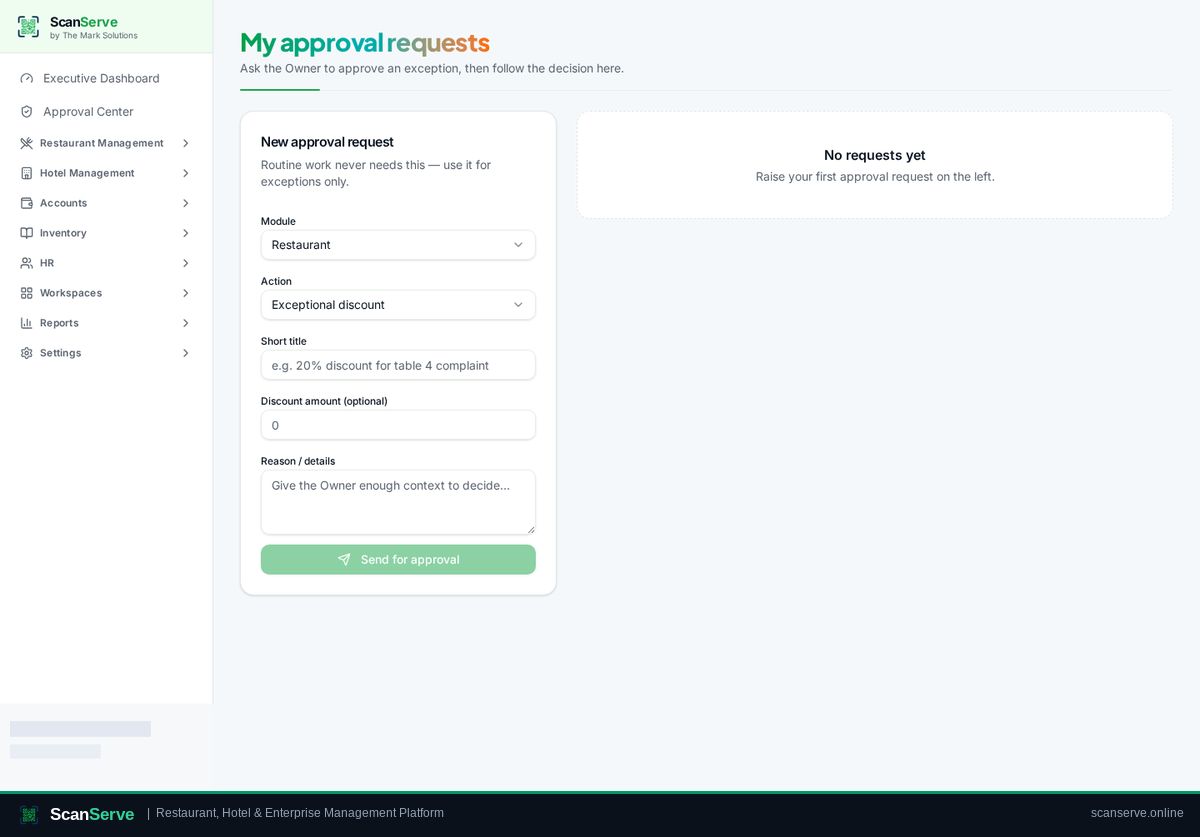
Step 1: Raise the request
Staff submit a stock or purchase request from My Requests.
- 2
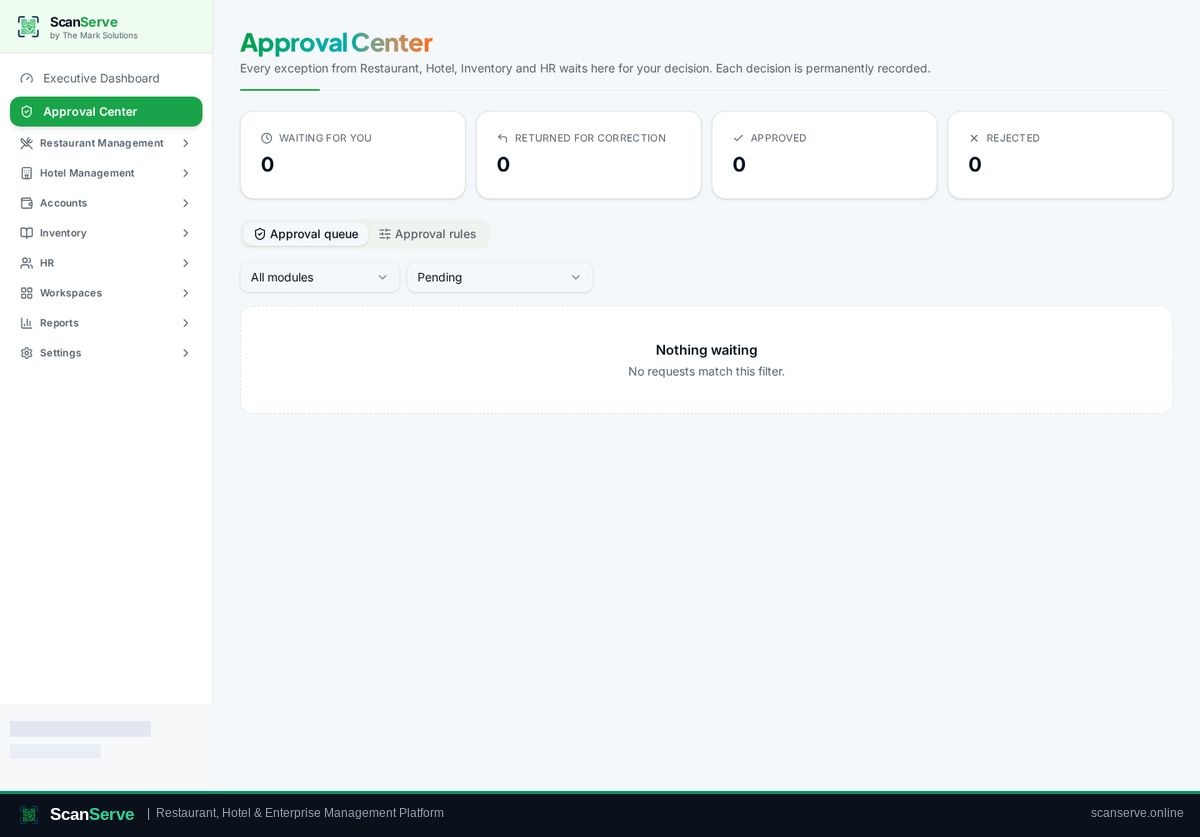
Step 2: Owner approves
The request lands in the Approval Center for the Owner to approve or reject.
Result: Convert to purchase
Approved requests continue as a central purchase.