
Central Inventory workspace
Build the item master
Create items with SKU, unit, category and supplier before purchasing.
3 steps · real ScanServe screens- 1
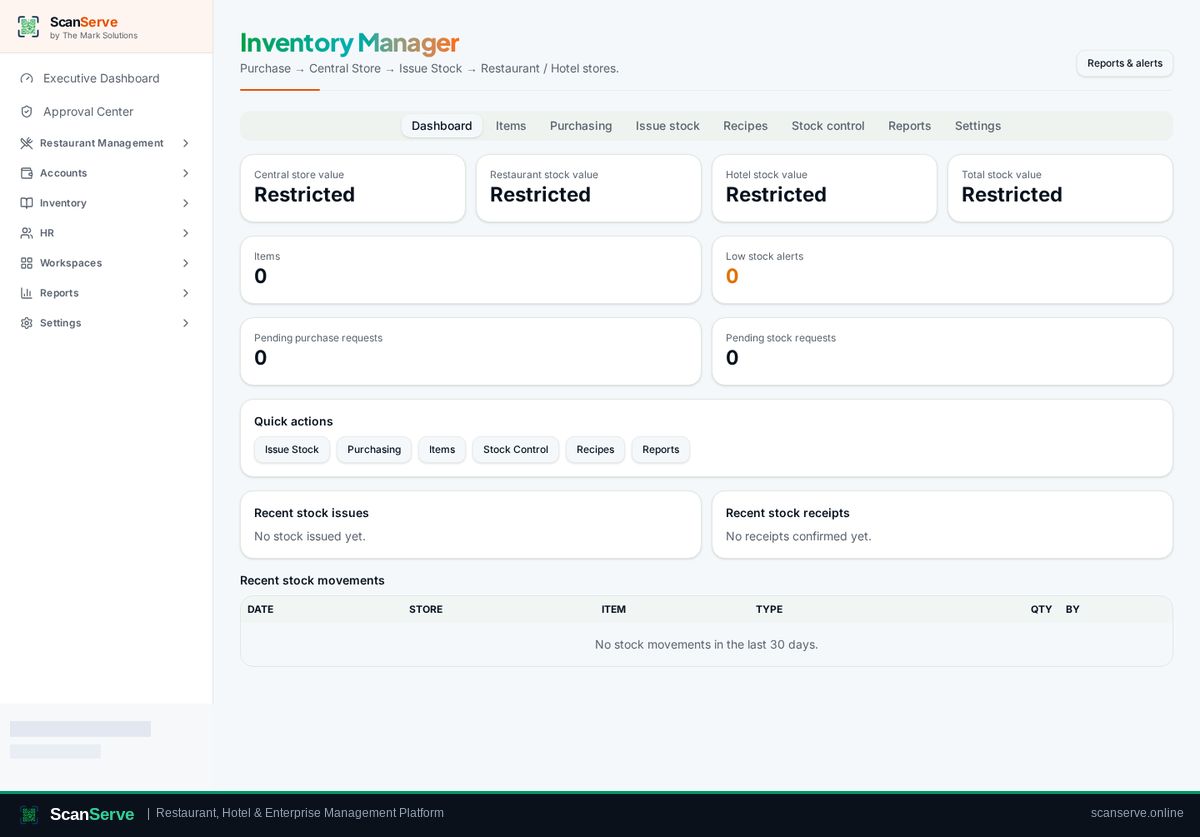
Step 1: Open Inventory
Inventory Manager opens on the dashboard: stock value, alerts and purchasing signals.
- 2
Step 2: Go to Items
Open the Items tab to manage your item master and suppliers.
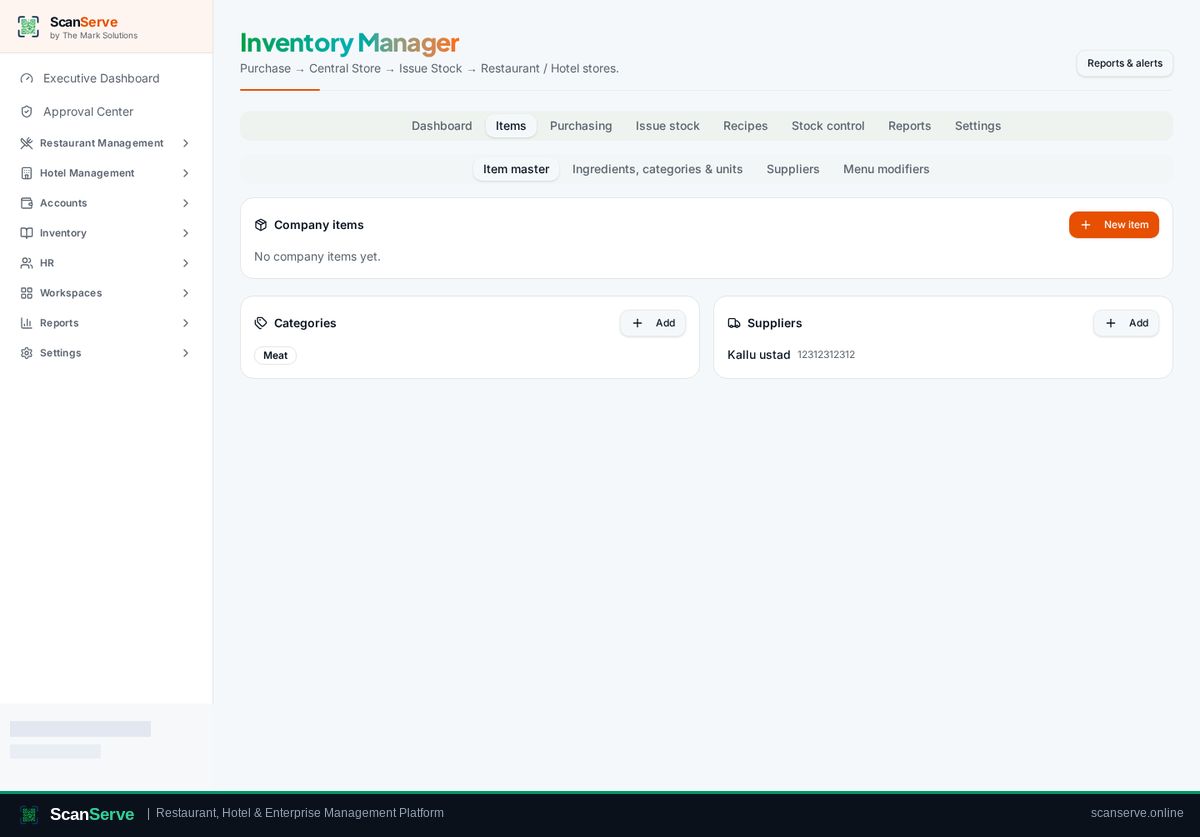
Result: Add an item
Create the item with unit, category and reorder level.