
Restaurant workspace
Create your menu
Add categories and dishes with prices, photos and availability.
3 steps · real ScanServe screens- 1
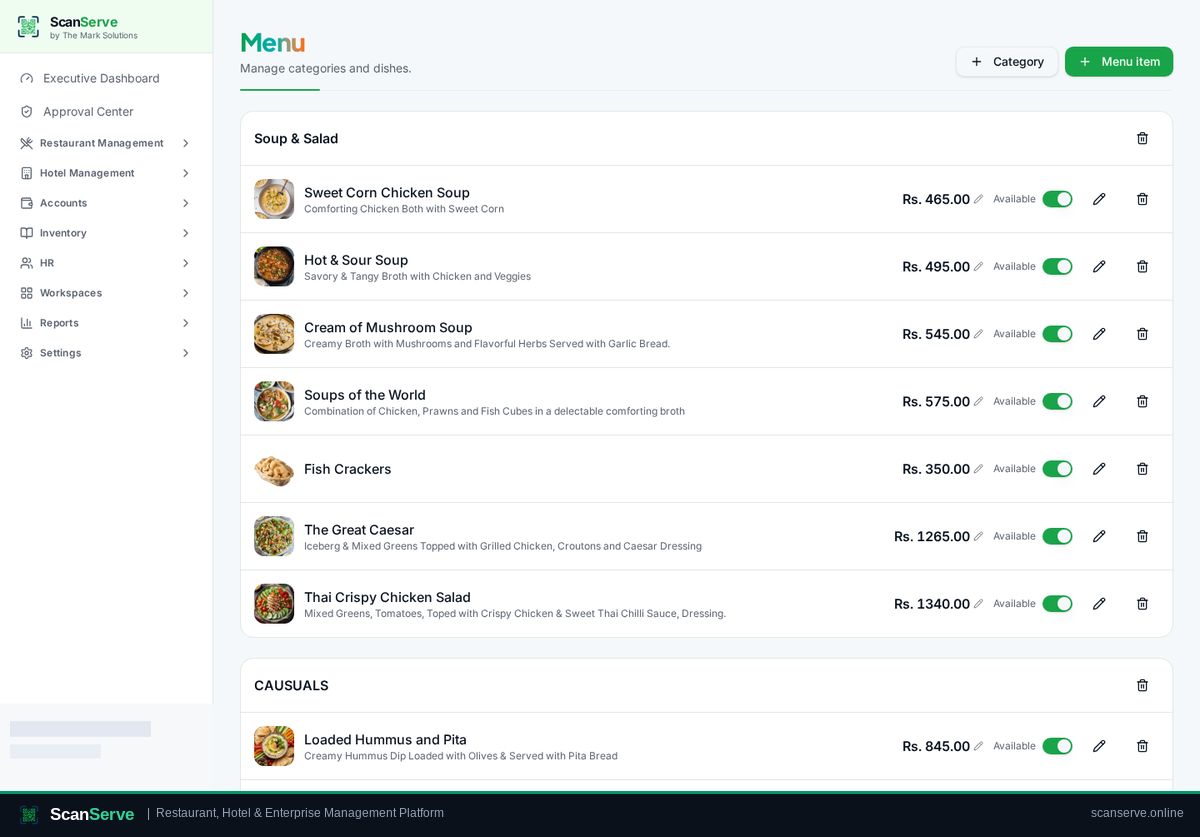
Step 1: Open Menu
Restaurant Management → Menu shows your categories and dishes.
- 2
Step 2: Add a category and item
Use the add actions at the top right to create a category, then add dishes to it.
Result: Set price & availability
Edit the price inline and use the toggle to make a dish available or unavailable.