
Restaurant workspace
Kitchen workflow
Accept or reject new tickets, mark preparing, then ready — with sound alerts.
3 steps · real ScanServe screens- 1
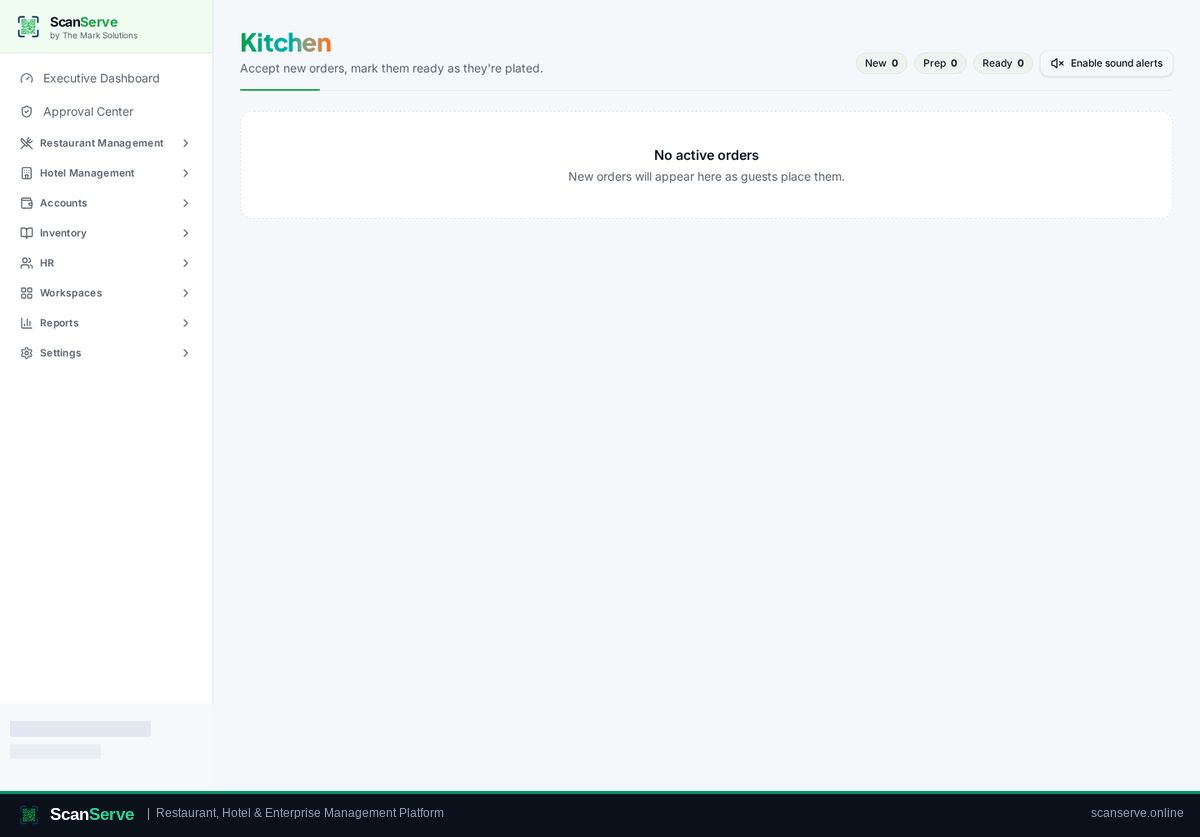
Step 1: Open the Kitchen screen
New, Prep and Ready counters sit at the top of the kitchen display.
- 2
Step 2: Accept the order
Accept a new ticket to move it into Preparing (or reject it with a reason).
Result: Mark ready
When plated, mark it ready — the waiter is alerted instantly.