Restaurant workspace
Waiter workflow
See ready plates, serve tables, handle guest calls and close bills.
3 steps · real ScanServe screens- 1
Step 1: Open the Waiter panel
The waiter panel lists tables, ready items and guest requests.
- 2
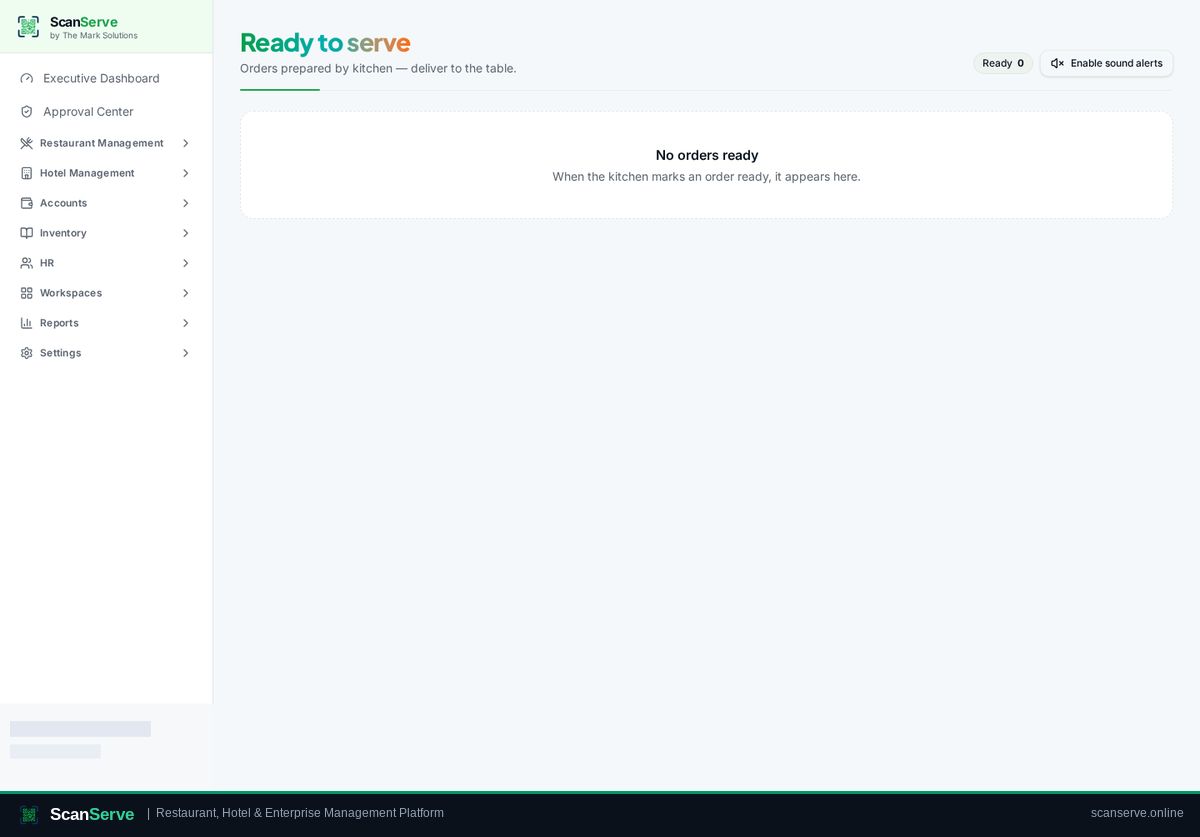
Step 2: Serve ready items
Mark items served once delivered to the table.
Result: Close the bill
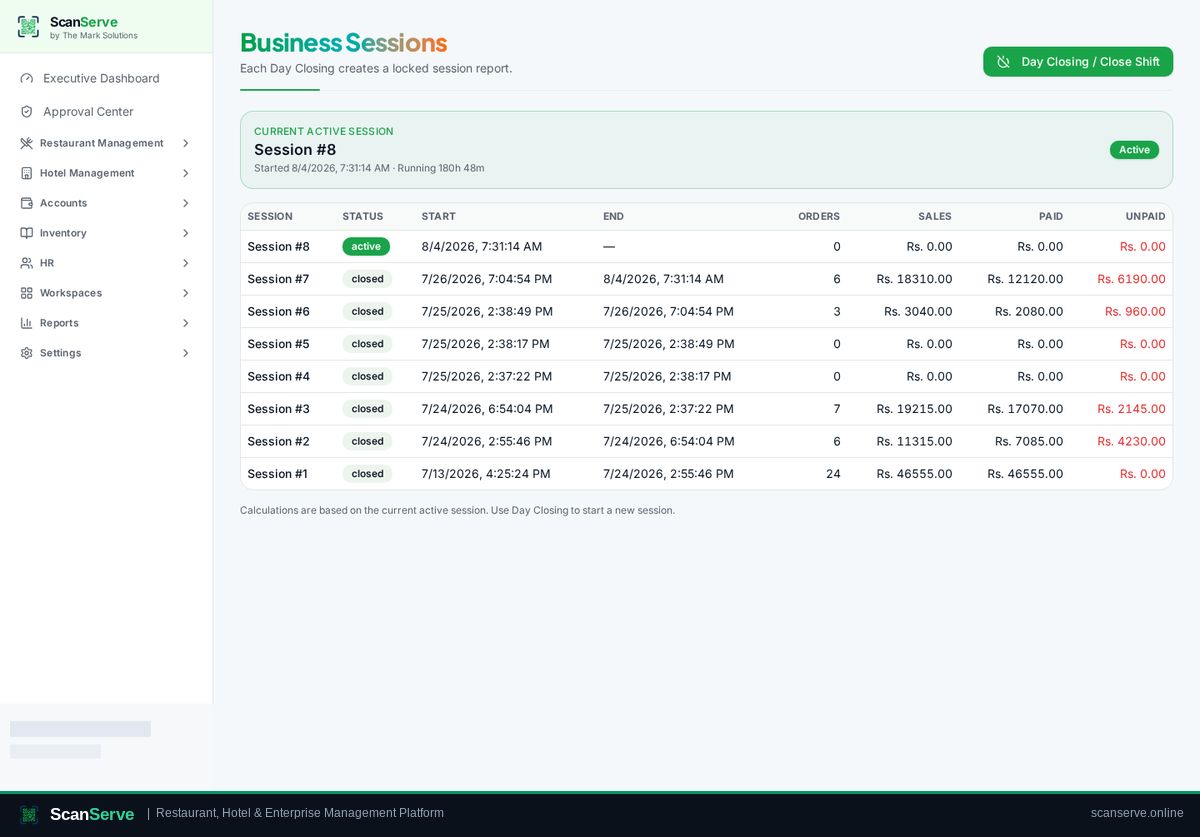
Bills and payments roll up into the shift session and sales reports.