
Restaurant workspace
Create tables & print QR cards
Generate table QR codes, choose a theme and print in A5, custom size or PDF.
3 steps · real ScanServe screens- 1
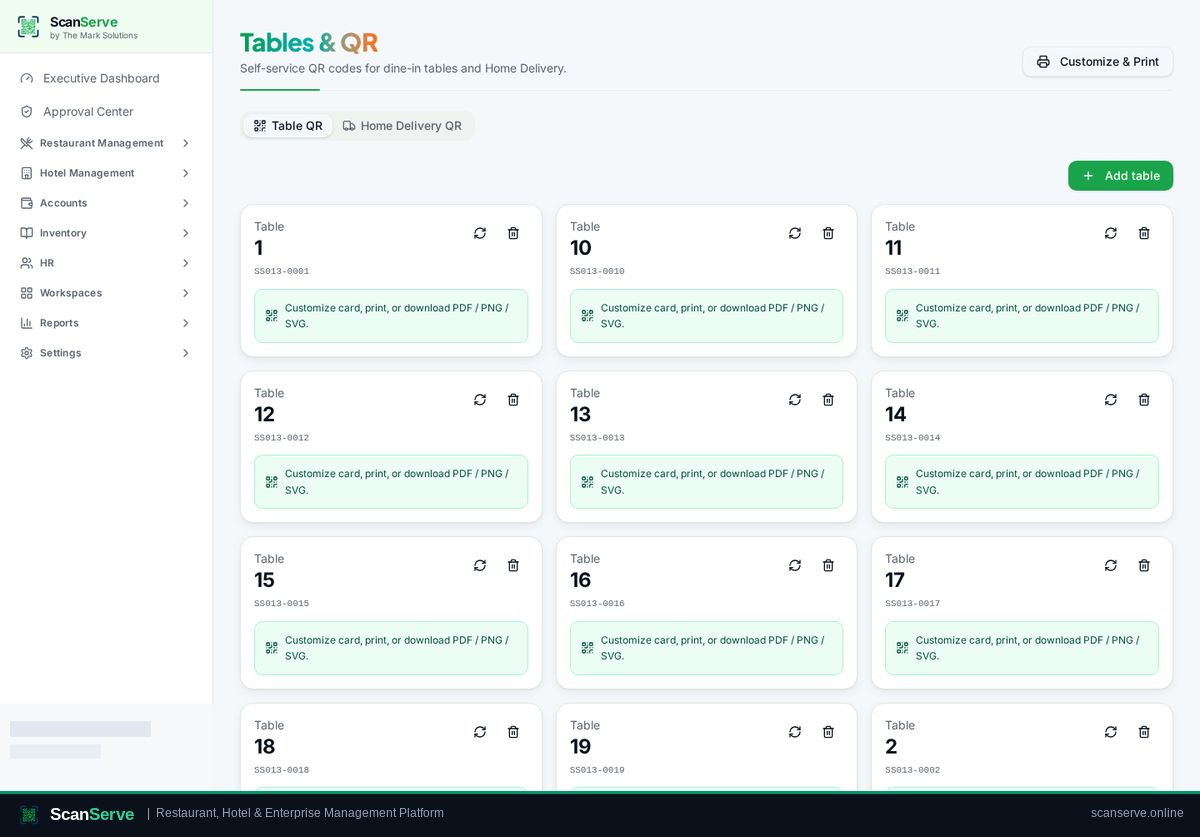
Step 1: Open Tables & QR
Restaurant Management → Tables & QR is your QR workshop.
- 2
Step 2: Add a table & generate its QR
Create the table, then generate its QR code — guests scan it to open your menu.
Result: Choose a theme and print
Pick a card theme, then print A5, a custom size, or download the PDF.