
Restaurant workspace
Restaurant floor & manual orders
Take dine-in, takeaway and phone orders from staff side and follow the table live.
3 steps · real ScanServe screens- 1
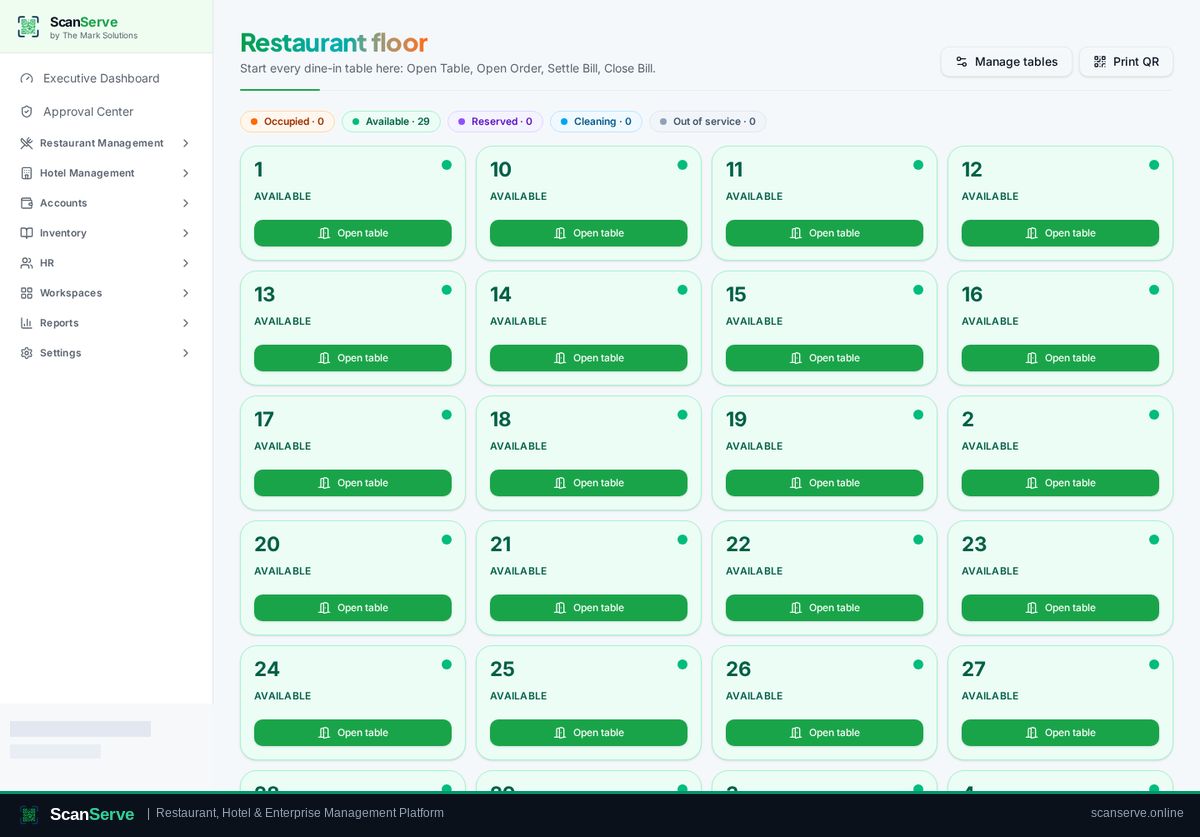
Step 1: Open the Restaurant Floor
The floor view is the single operational entry point for tables and running orders.
- 2
Step 2: Start a manual order
Choose the order source (dine-in, takeaway or phone) and add items from the menu.
Result: Save & send to kitchen
Save & send pushes the order into the kitchen production queue.