
Kitchen management with a real production workflow
The ScanServe kitchen screen is built around what a kitchen actually does: accept the ticket, cook it, mark it ready. Rejections require a reason, so a missing ingredient becomes visible information rather than a silent delay.
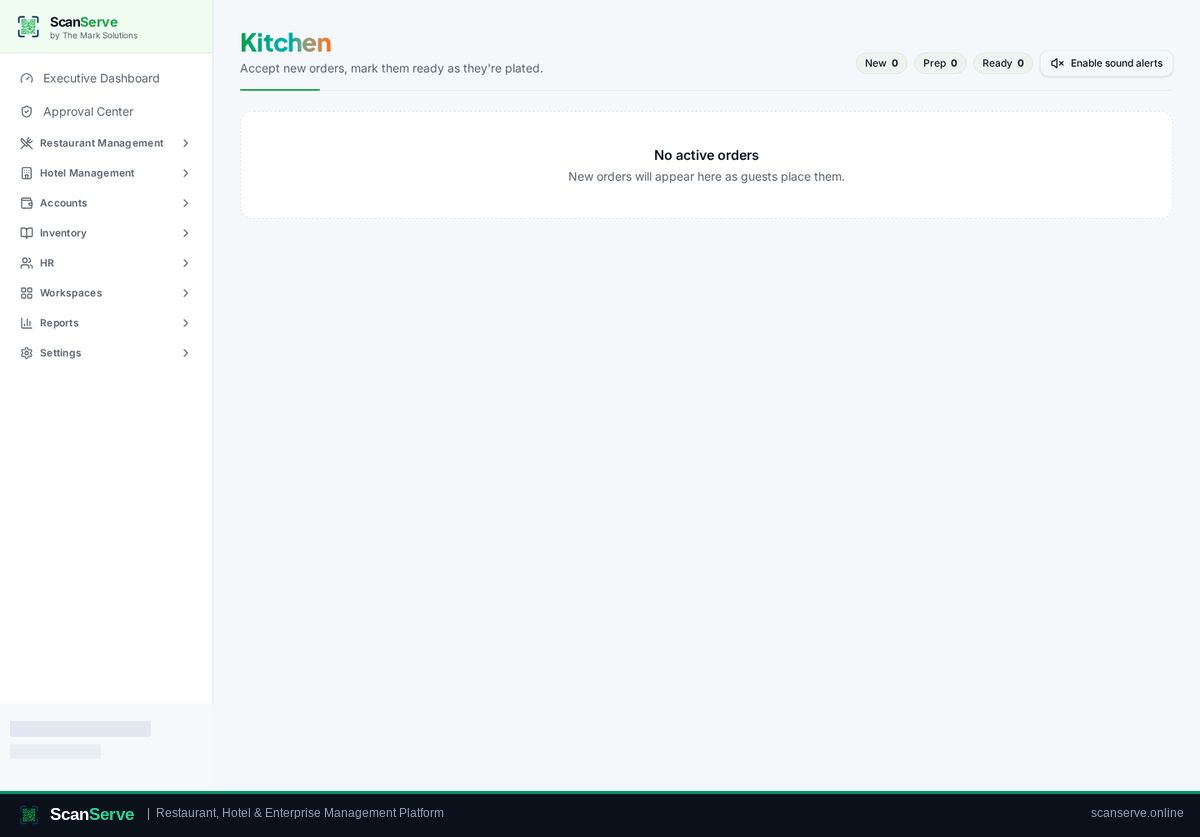
New, preparing, ready
Tickets move through three columns with one tap, and counters at the top show the current load at a glance.
- Accept or reject each new ticket
- Reject reason stored with the order
- Ready state alerts the waiter panel
Full context on every ticket
Each ticket carries its table or delivery details, quantities, variations and special instructions.
- Table number or customer name for delivery
- Item variations and notes
- Sound notification on new orders
Stock effects
When menu items are linked to recipes, marking production consumes ingredients from the store that serves the kitchen.
- Recipe-based consumption
- Store-scoped balances
- Low-stock alerts in the inventory dashboard
Step-by-step guides
Frequently asked questions
- Can the kitchen reject an order?
- Yes, with a reason that is stored on the order and visible to staff.
- Does the kitchen screen need a dedicated device?
- No — any tablet, phone or laptop browser works.
Related pages
See it running in your own venue
Start free, or open the interactive demo first.