
Waiter management: know what to serve and who is calling
The waiter panel replaces shouting across the pass. It lists items the kitchen has marked ready, the tables that raised a call-waiter or bill request, and the running state of each table the waiter is responsible for.
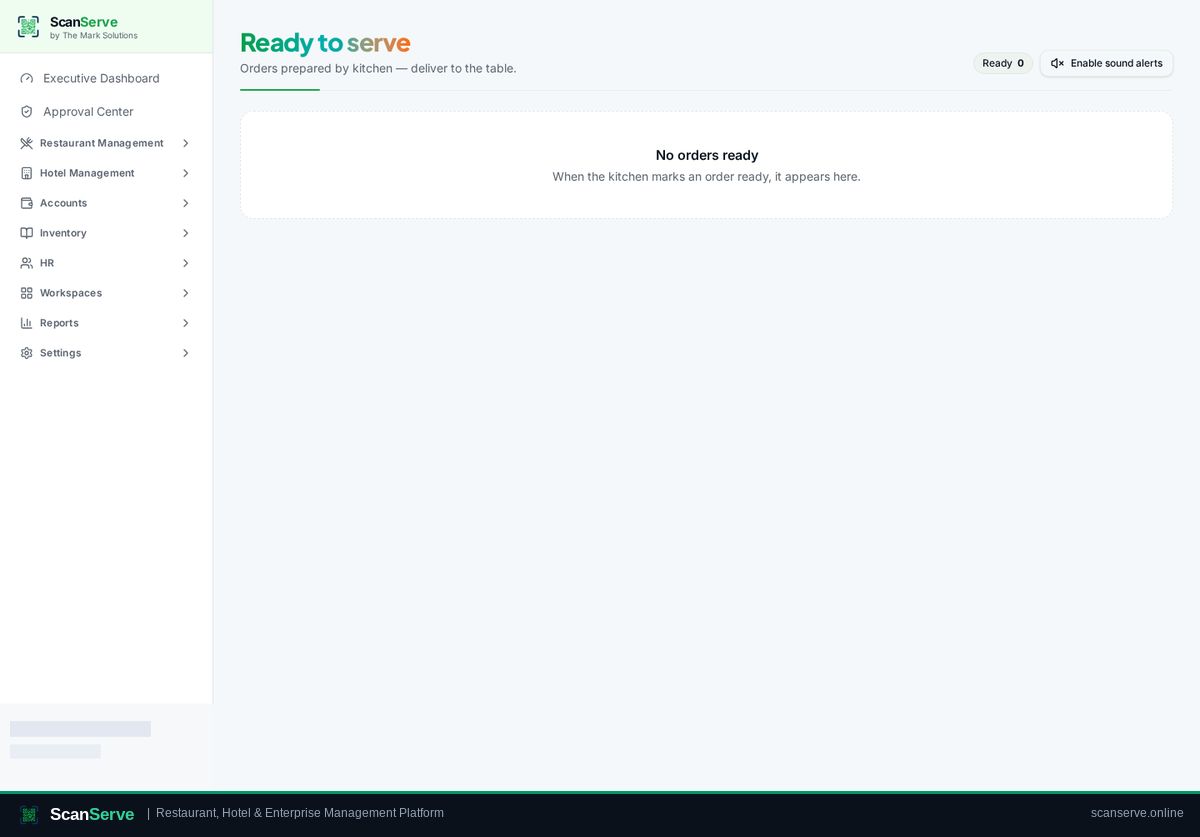
Ready-to-serve queue
The moment a kitchen ticket is marked ready, it appears for the floor with its table number, and the waiter confirms it as served.
- Ready items grouped by table
- Served confirmation per item
- Sound alert for new ready items
Guest requests from the QR menu
Call waiter and request bill buttons on the guest menu raise a request instead of making guests wait for eye contact.
- Call-waiter and request-bill requests
- Requests visible with table context
- Cooldown to prevent duplicate spam
Handover and accountability
Waiter actions are attached to the shift session, so service and collections can be reviewed per shift.
- Per-shift activity in session reports
- Role-scoped view — no access to finance data
- Works on any phone or tablet
Step-by-step guides
Frequently asked questions
- Can waiters also take orders?
- Yes, waiters can create dine-in and takeaway orders from the floor view.
- Do waiters see accounting or payroll?
- No. The waiter role only sees service screens.
Related pages
See it running in your own venue
Start free, or open the interactive demo first.