
Payroll management with reviewable runs
A payroll run in ScanServe is a document, not a one-off calculation. It gathers each employee's salary structure, applies the period's attendance and leave, shows the result for review, and only then finalises payslips and the accounting entry.
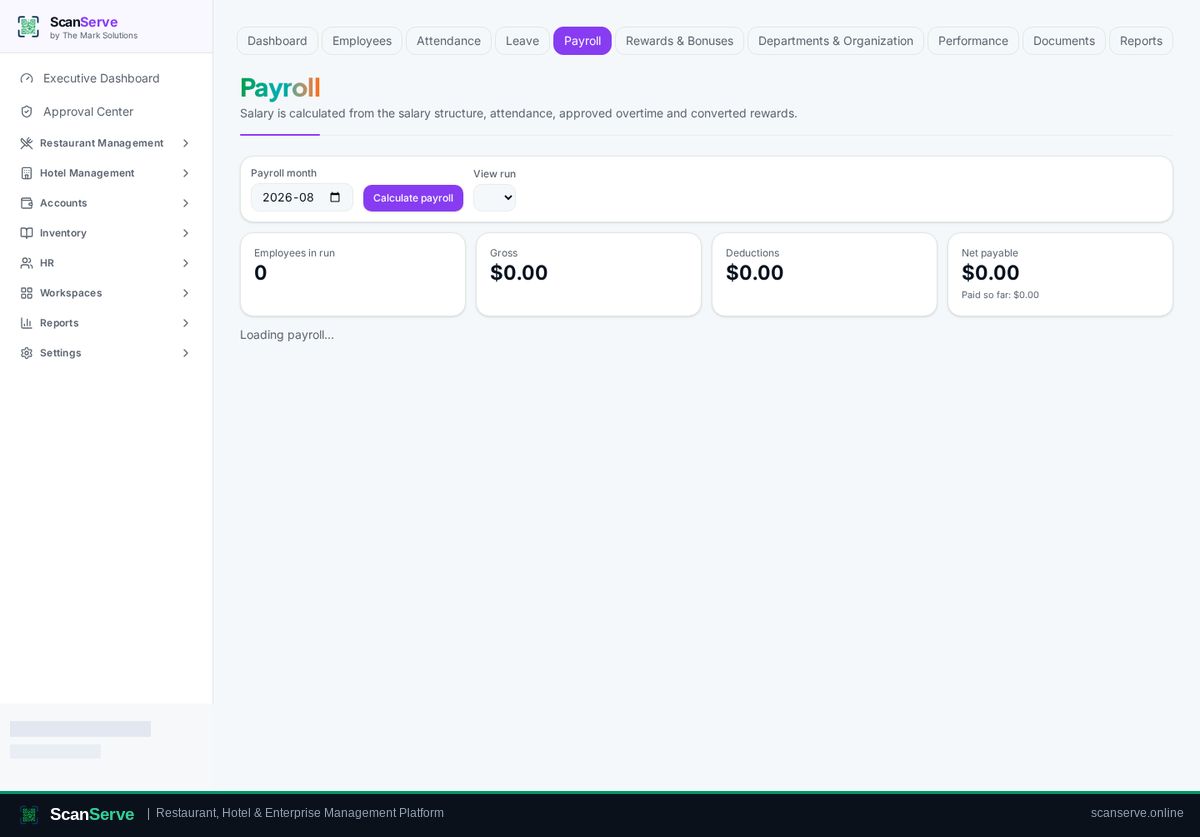
From structure to net pay
Earnings, allowances and deductions come from the employee's salary structure, adjusted by the period's records.
- Allowances and deductions per employee
- Attendance and leave applied to the period
- Gross, deductions and net shown per line
Review, then finalise
The run can be reviewed and corrected before it is finalised, after which payslips are issued.
- Draft run for review
- Finalisation with payslip generation
- Branded payslip PDF per employee
Accounting and reports
Finalised payroll posts as a balanced journal, and HR reports show cost per period and per department.
- Payroll journal in the general ledger
- Payroll cost reports
- Department-level breakdown
Step-by-step guides
Frequently asked questions
- Can we correct a payroll run?
- Yes, while it is still in draft; finalised runs are kept for audit.
- Where does payroll appear in finance?
- As a payroll expense journal in Accounts & Finance.
Related pages
See it running in your own venue
Start free, or open the interactive demo first.