
HR & Payroll workspace
Run payroll & issue payslips
Generate a payroll run from attendance and salary structure, then export payslips.
3 steps · real ScanServe screens- 1
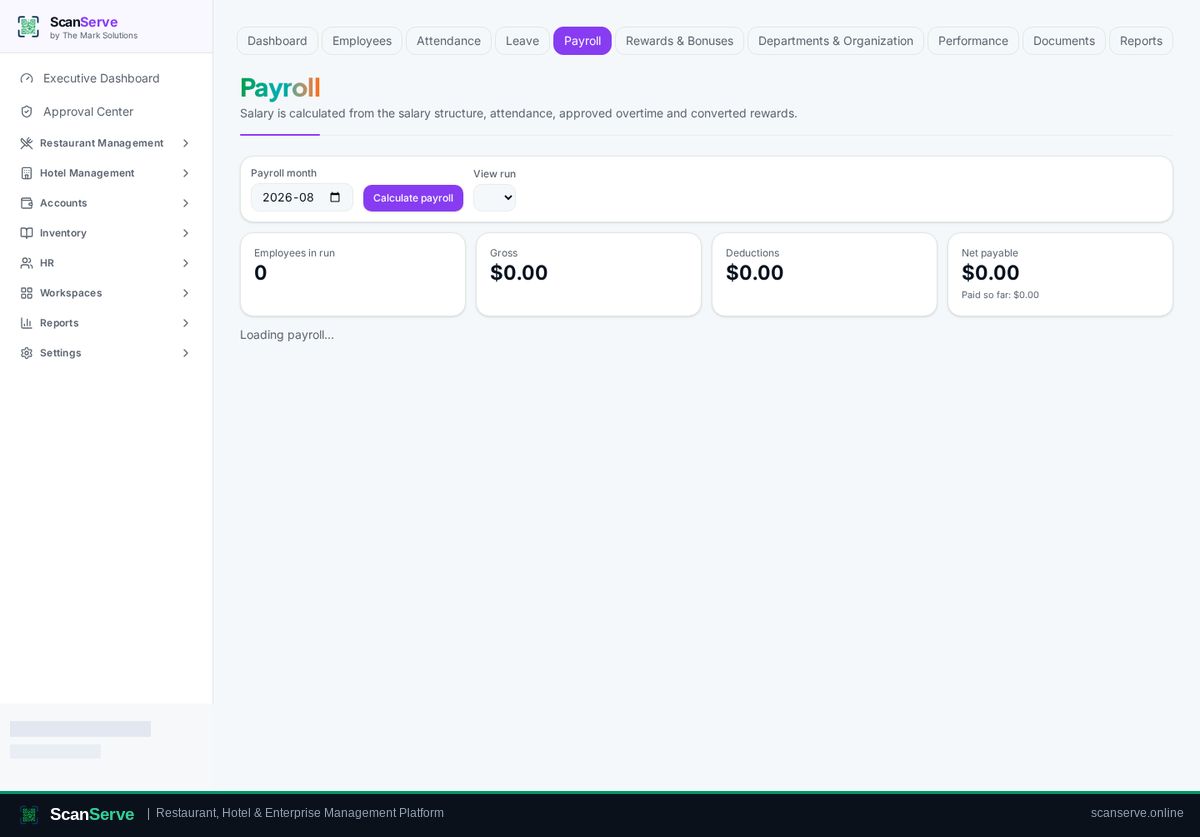
Step 1: Open Payroll
HR → Payroll lists your payroll runs by month.
- 2
Step 2: Create the run
Select the month and generate — earnings and deductions are calculated for each employee.
Result: Payslips & posting
Export payslips; approved payroll posts into Accounts as a salary expense.