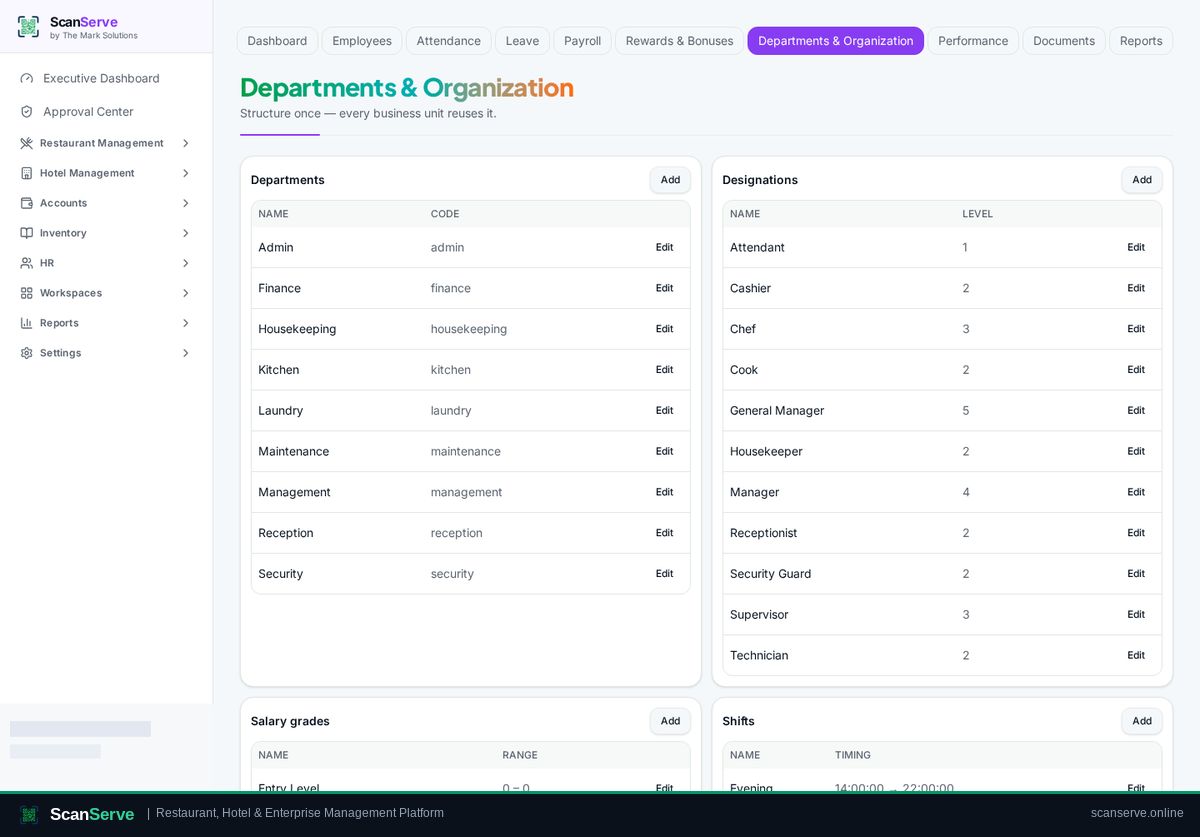
HR & Payroll workspace
Add an employee
Create the employee record with department, designation and salary structure.
3 steps · real ScanServe screens- 1
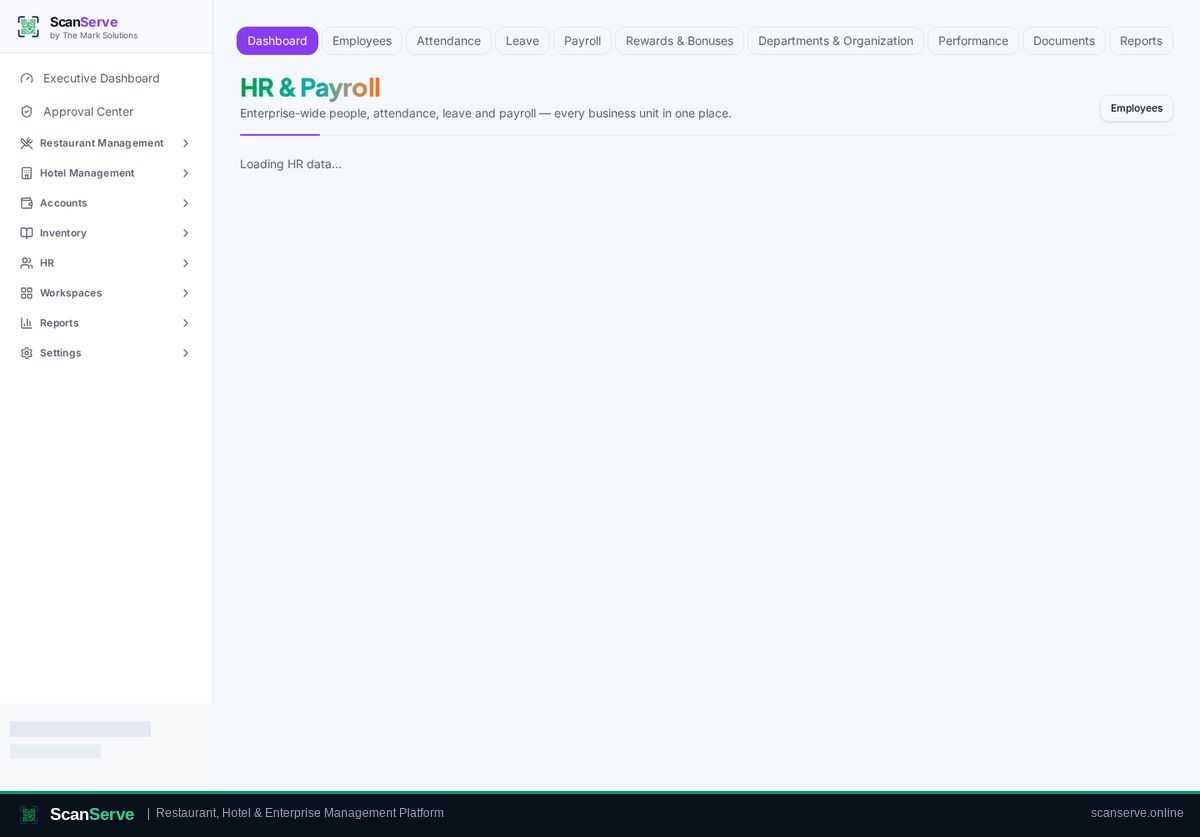
Step 1: Open HR
HR opens on an overview of headcount, attendance and salary cost.
- 2
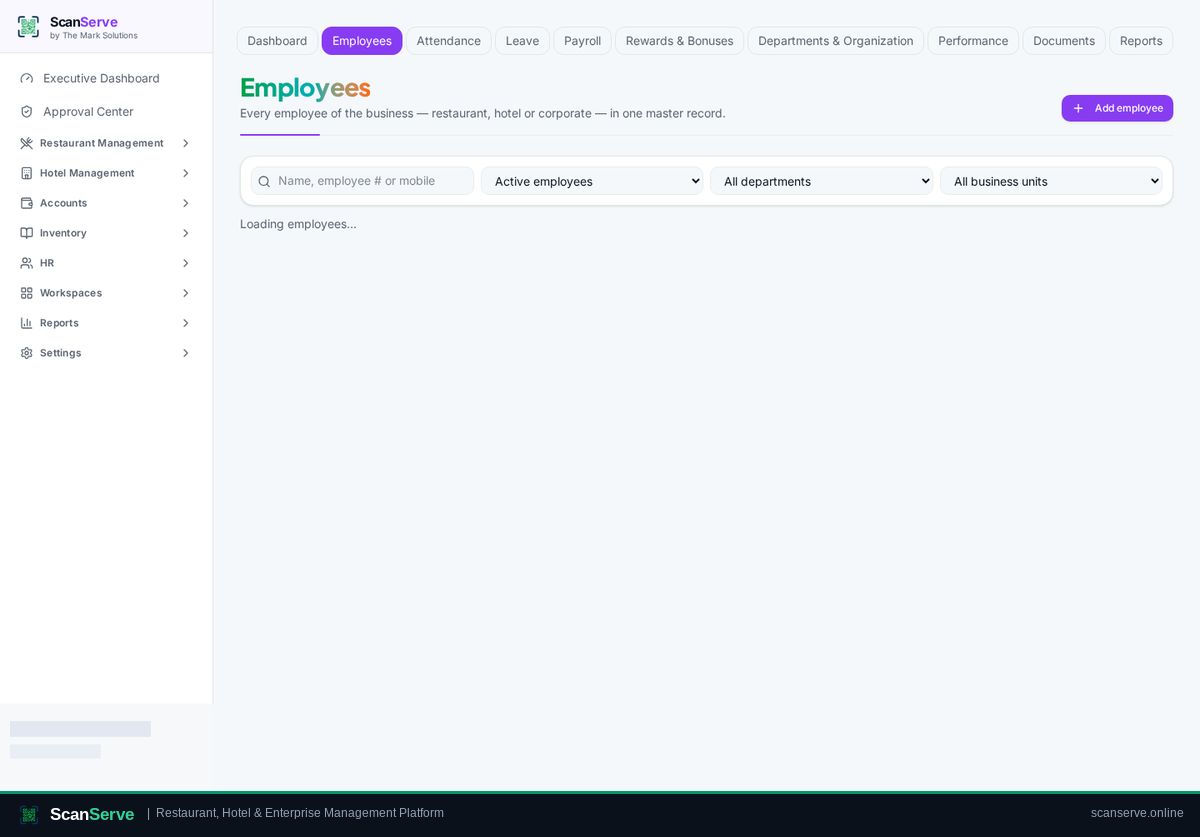
Step 2: Go to Employees & add
Open Employees and add a new employee with contact and job details.
Result: Place them in the structure
Assign department and designation in Organization.