HR & Payroll workspace
Attendance & leave
Mark daily attendance, record overtime and approve leave.
3 steps · real ScanServe screens- 1
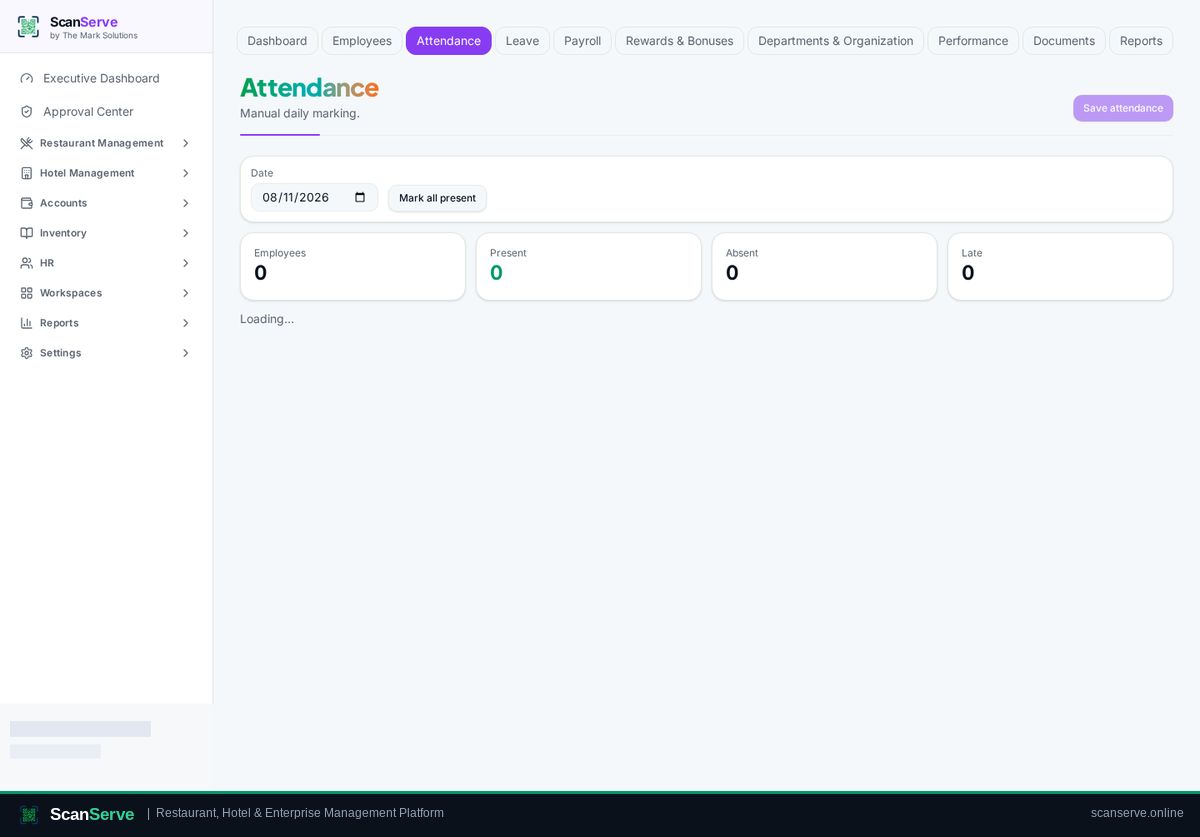
Step 1: Open Attendance
Pick the date and mark present, absent, late or overtime.
- 2
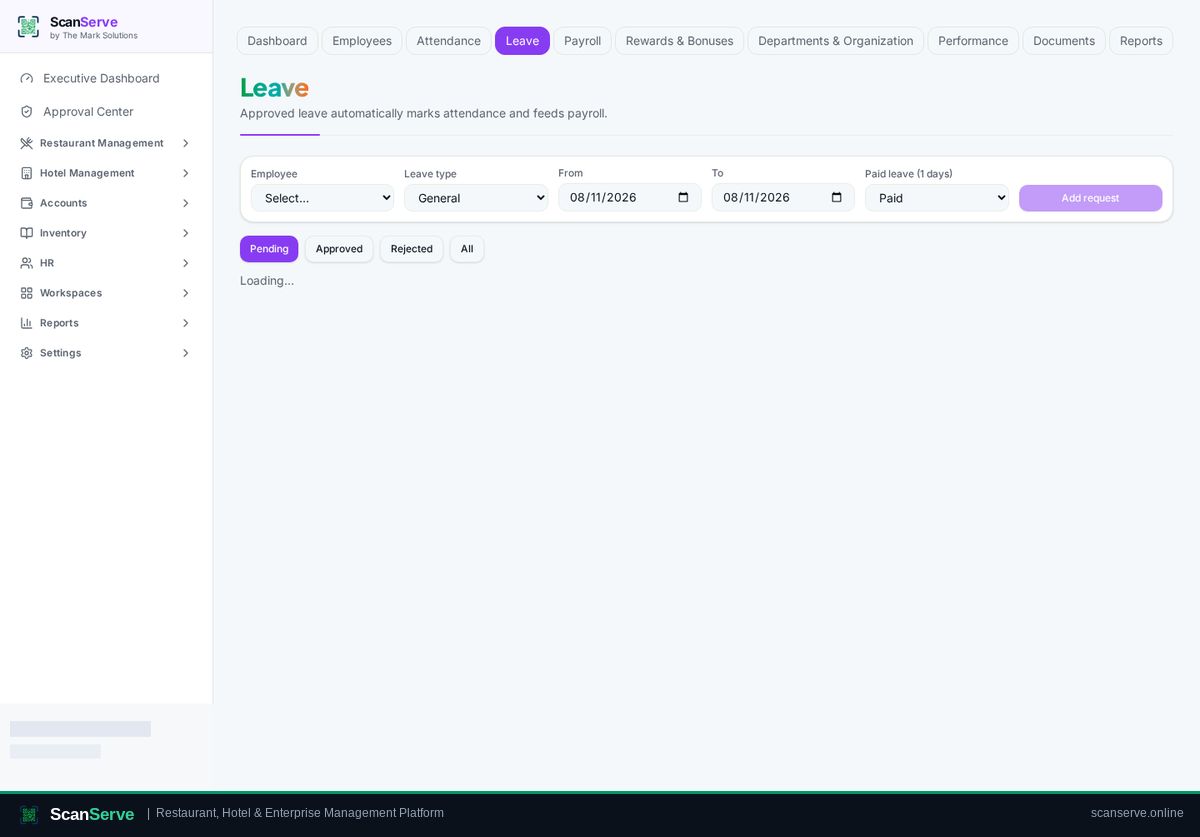
Step 2: Handle leave requests
Approve or reject leave; balances update automatically.
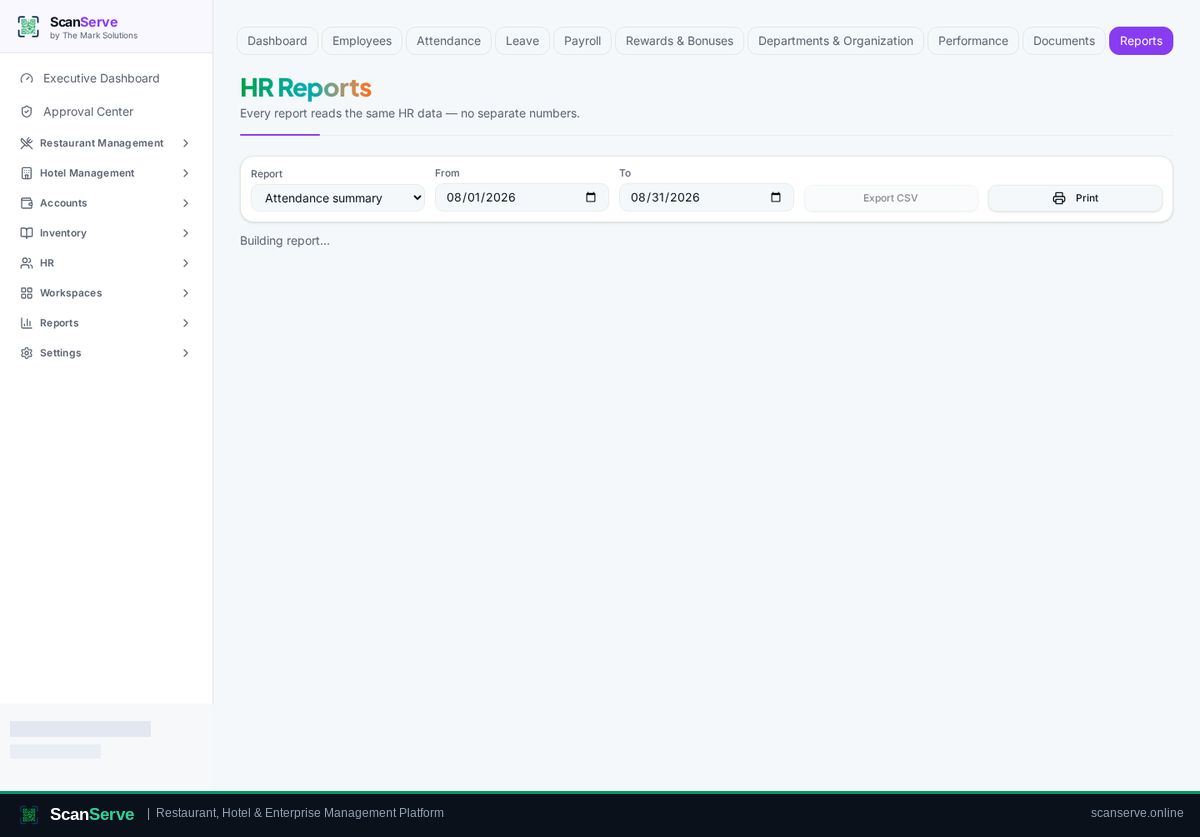
Result: Check attendance reports
Attendance summaries feed payroll and HR reports.