
Enterprise reporting with one document standard
Every ScanServe report shares one layout: a branded header, the period and scope, the KPIs, the data, and an audit footer showing who generated it and when. The Report Library lists everything available across workspaces, so owners stop hunting through modules.
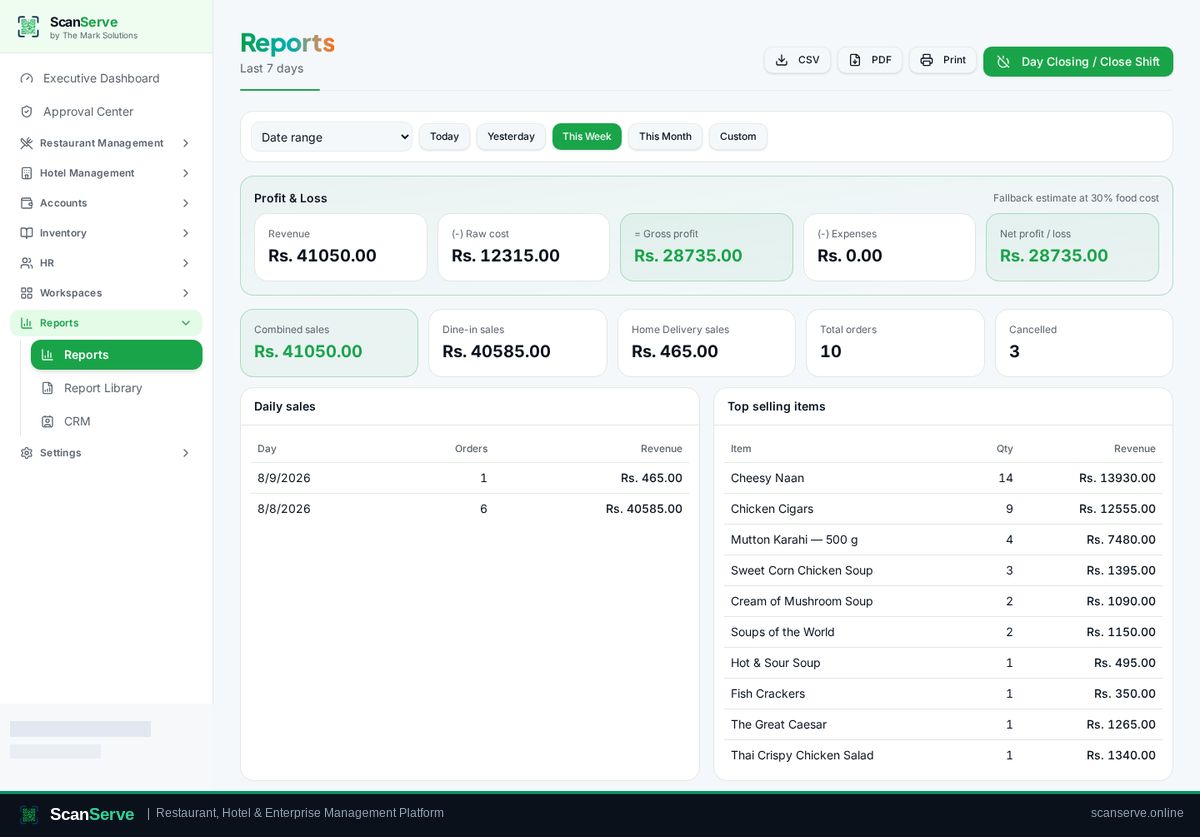
What you can report on
Reports cover the operational and financial data the platform already holds.
- Sales, sessions, delivery and top items
- Hotel occupancy, folios and revenue
- Inventory valuation, movement and variance
- HR attendance, payroll cost, ledger and P&L
One document standard
Reports print or export as PDFs with your logo, the selected period and an audit trail line.
- Branded header with logo
- Period and scope stated on the page
- Generated-by audit footer
Report Library
The library links every report in the platform from one page under the owner's Reports menu.
- All reports listed in one place
- Direct links into each report
- Consistent filters across reports
Step-by-step guides
Frequently asked questions
- Can reports be exported?
- Yes, as branded PDFs from the report view.
- Do reports cover more than one venue?
- Owner reports roll up across the organization.
Related pages
See it running in your own venue
Start free, or open the interactive demo first.