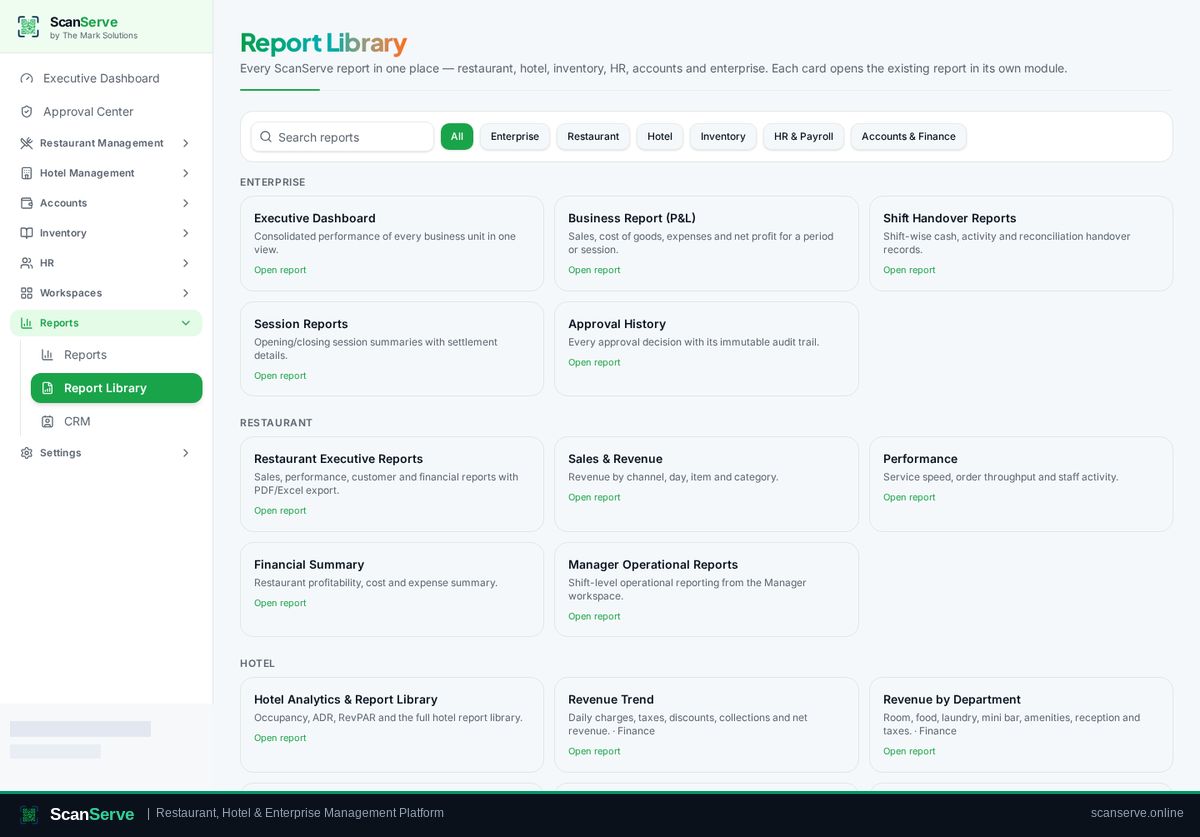
Accounts & Finance workspace
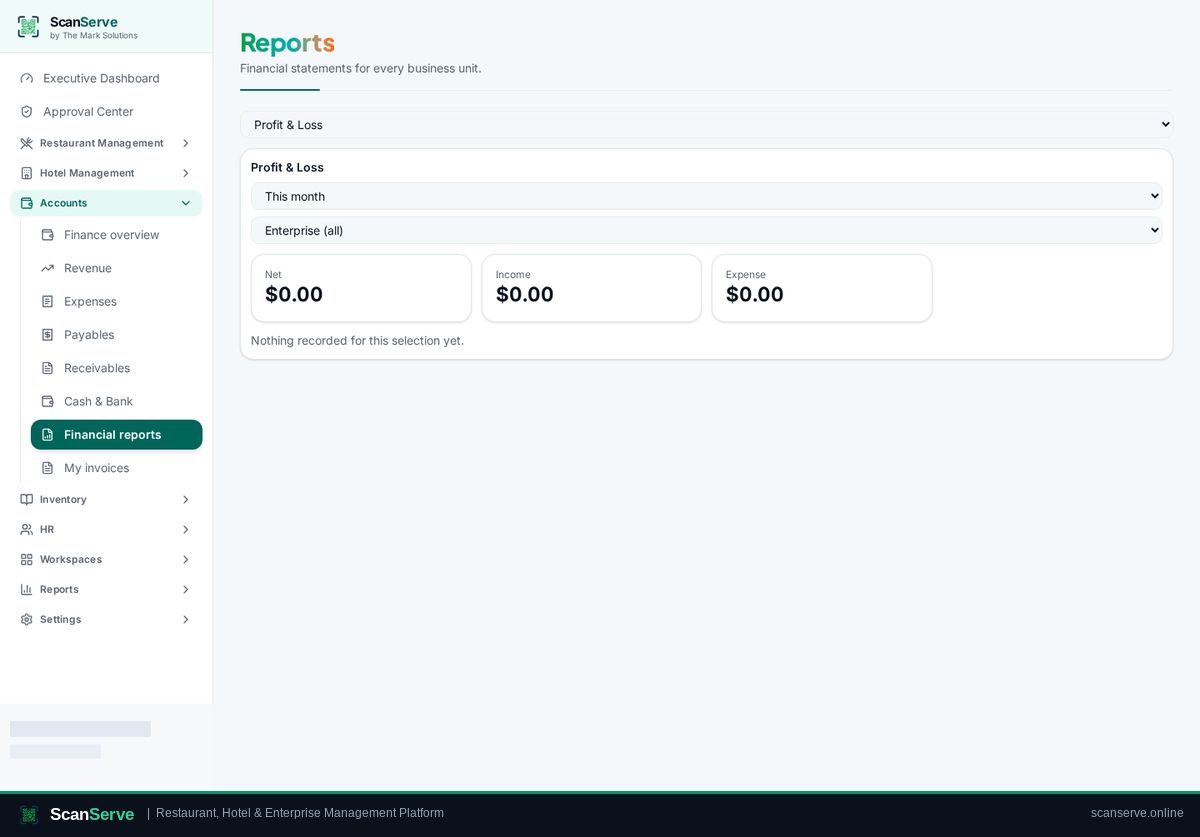
Financial reports
Profit & loss, trial balance and aging reports as branded PDFs.
2 steps · real ScanServe screens- 1
Step 1: Open Accounts reports
Pick the report and period.
Result: Or use the Report Library
Reports → Report Library collects finance reports next to every other module.