
Accounts & Finance workspace
Pay a supplier bill (with approval)
Record the bill, send the payment for Owner approval, then pay it from cash or bank.
3 steps · real ScanServe screens- 1
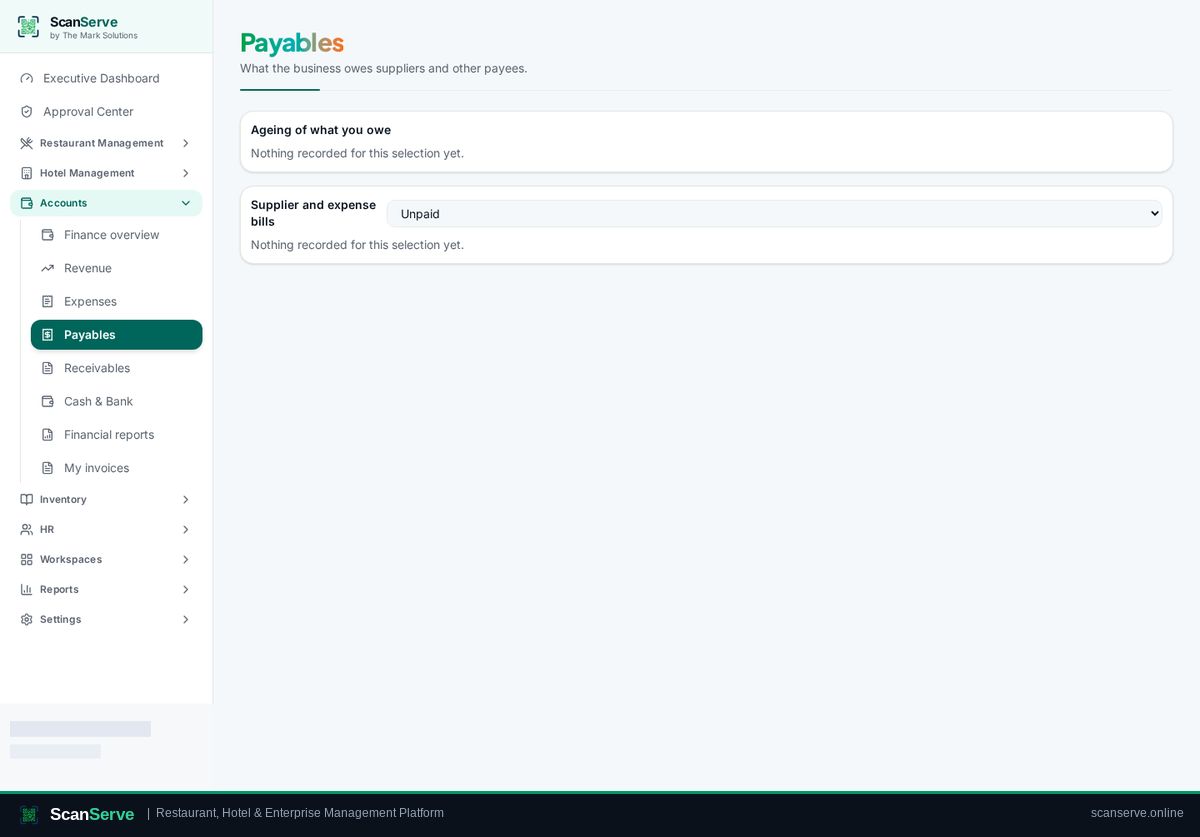
Step 1: Open Payables
Payables lists supplier bills and what is due.
- 2
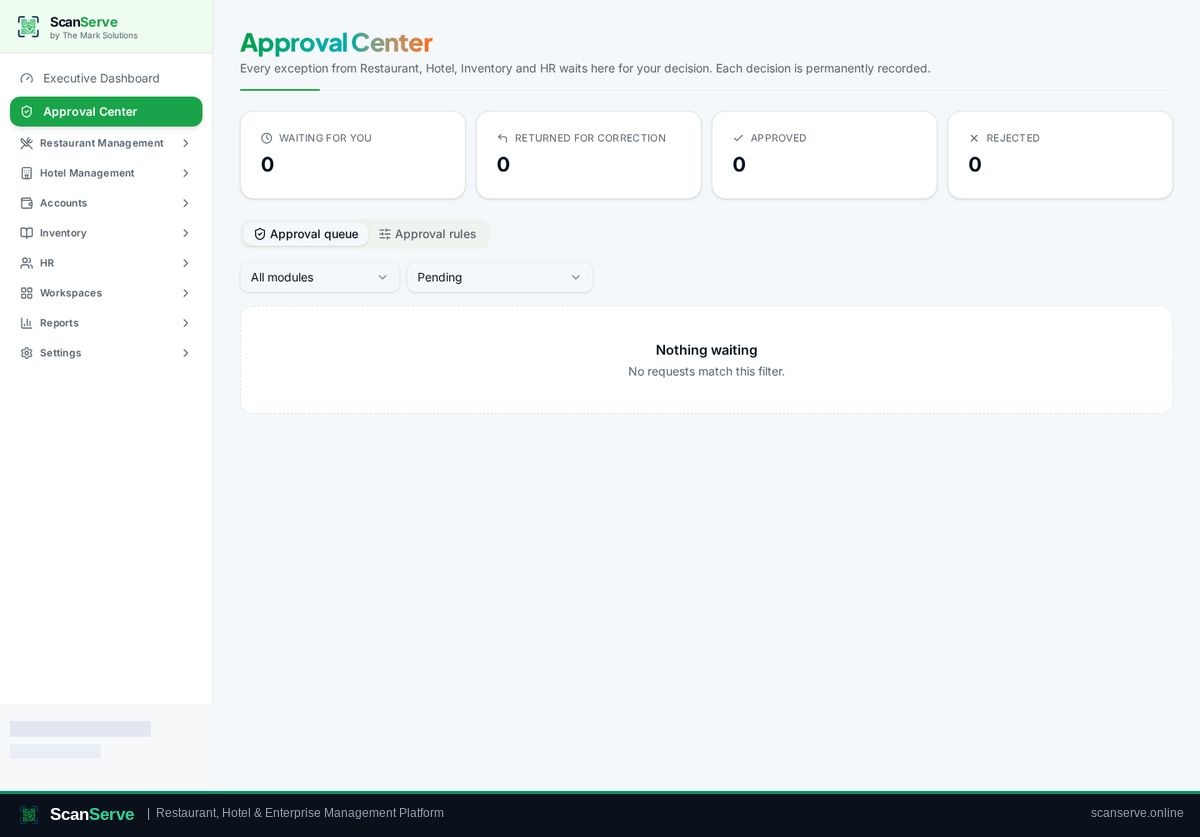
Step 2: Owner approves the payment
Payments above your policy threshold go to the Approval Center first.
Result: Record the payment
Pay from cash or bank — the ledger entry is posted automatically.