
Restaurant home delivery with rider assignment and COD settlement
ScanServe handles delivery as a first-class order source. Managers create delivery QR cards per area with the delivery charge already set, so the customer sees the full amount — food, packaging and delivery — before confirming.
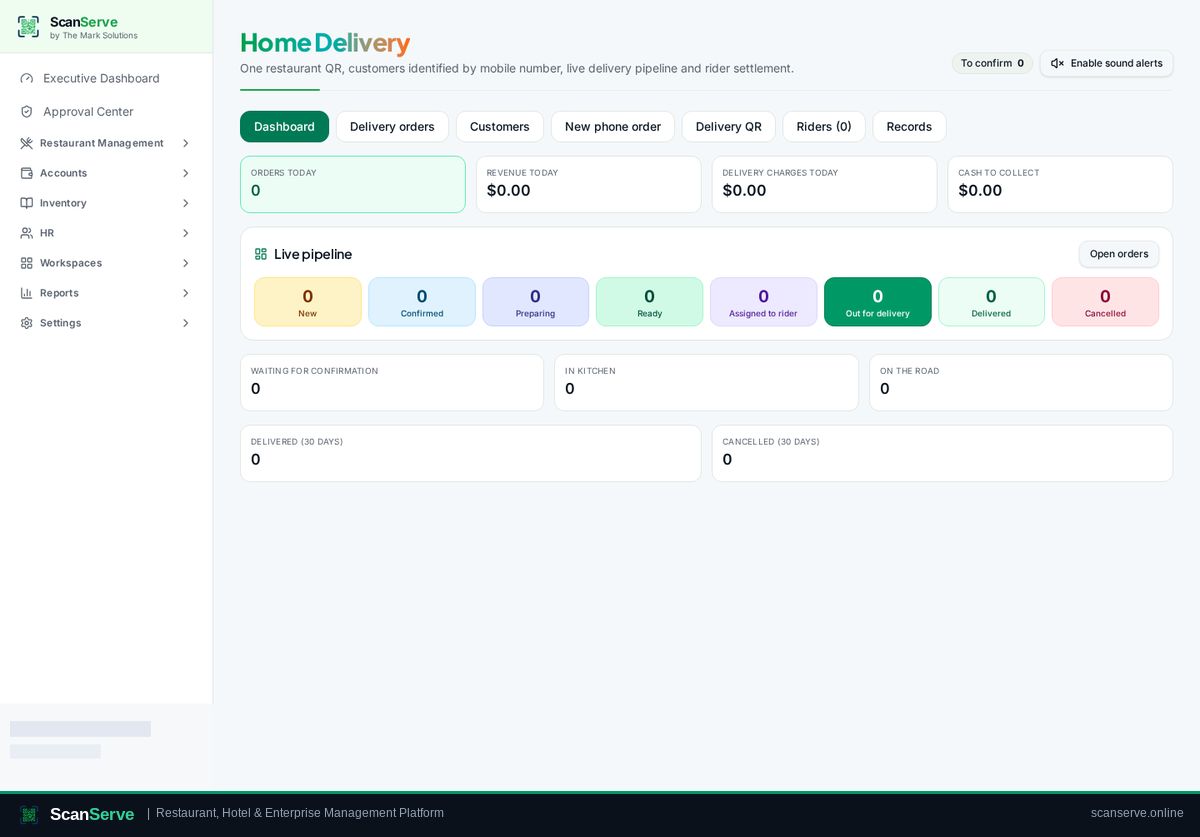
Delivery charges agreed up front
Charges belong to the delivery card, not to a guess at checkout, and appear in the customer's price breakdown.
- Delivery fee per QR card or area
- Packaging charge support
- Full breakdown shown before the order is placed
Riders and cash on delivery
A rider account sees only their assigned deliveries, and cash collected is reconciled in the rider settlement report.
- Rider dashboard with assigned orders
- Ready-for-delivery queue for staff
- COD mark-as-paid and settlement report
Delivery billing and reporting
Each delivery order can produce a printable bill, and delivery revenue is reported separately from dine-in.
- Printable delivery bill with PDF export
- Delivery metrics separated in dashboards
- Customer name and address on the ticket
Step-by-step guides
Frequently asked questions
- Can a rider see all restaurant data?
- No. The rider account is limited to delivery orders assigned to them.
- How is cash on delivery reconciled?
- Riders' collections are settled in the rider report and roll into the shift session.
Related pages
See it running in your own venue
Start free, or open the interactive demo first.