
Purchasing with supplier records and owner approval
Purchasing in ScanServe starts with a request from whoever needs the stock and ends with goods received and a supplier bill in payables. Owners set approval thresholds, so routine buying flows and larger spend stops for a decision.
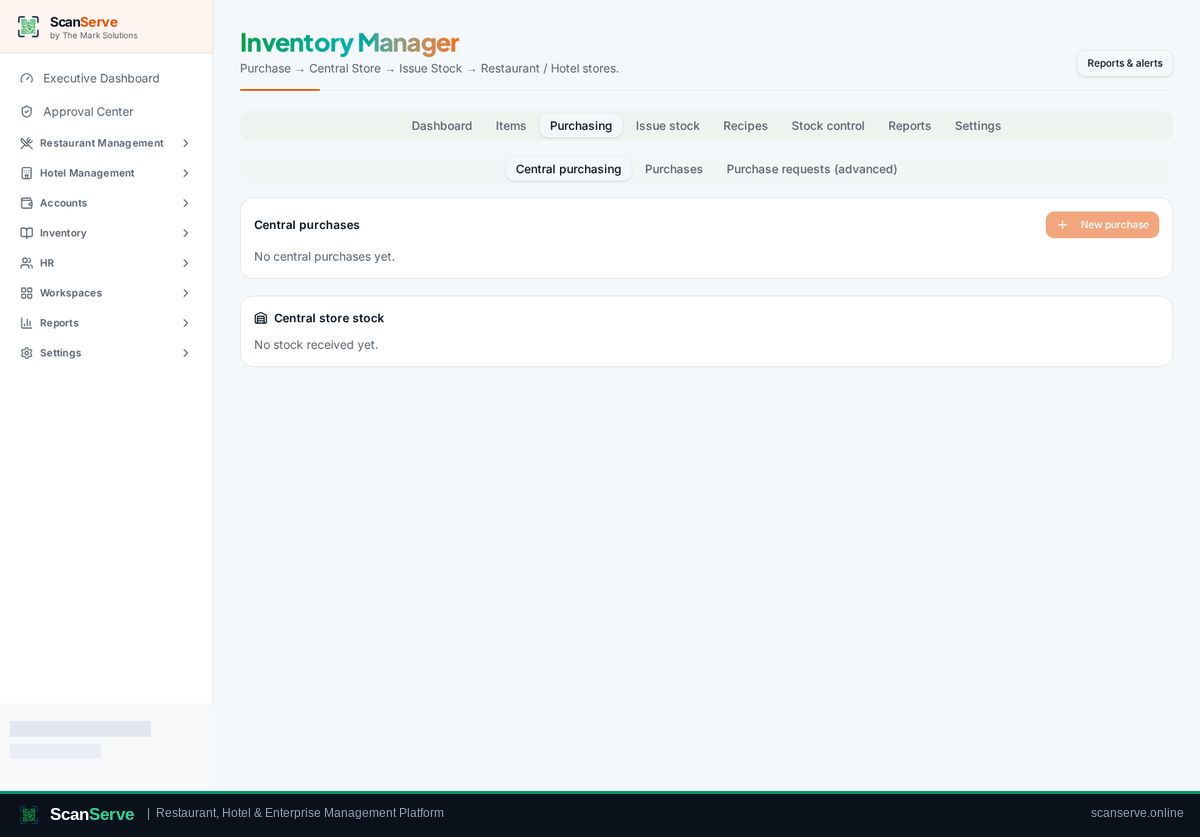
Requests and thresholds
Staff raise a purchase request; the Approval Center applies the owner's policy and records who decided what and when.
- Purchase requests from any workspace
- Approval thresholds by amount
- Immutable approval history
Receiving goods
Goods receipt increases central store stock at the received cost and updates the item's moving average.
- Partial and full receipts
- Cost captured per receipt
- Batch details for perishables
Supplier accounting
Received purchases create payables so the finance workspace can pay bills and reconcile with the ledger.
- Supplier bills in accounts payable
- Payment with approval where required
- Supplier balances and ageing
Step-by-step guides
Frequently asked questions
- Who can approve a purchase?
- The owner, and roles the owner authorises through approval policies.
- Does receiving stock update cost?
- Yes, the item's moving average cost is recalculated on receipt.
Related pages
See it running in your own venue
Start free, or open the interactive demo first.