
Hotel reservations that turn cleanly into stays
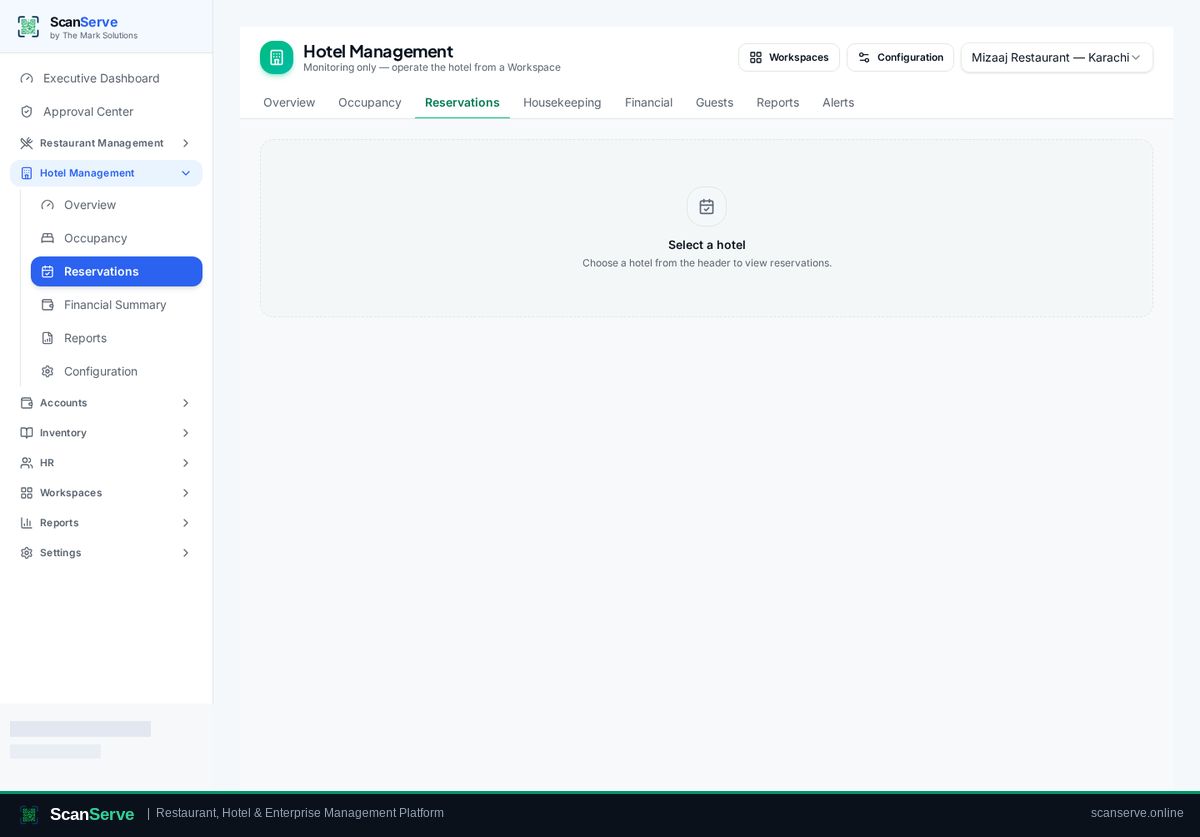
A reservation in ScanServe holds the guest, the dates and the room type, and reception converts it into a live stay at arrival. Because it is the same data, the front desk never re-types guest details at check-in.
Taking the booking
Enter guest contact details, stay dates and room type; availability is checked against existing stays and reservations.
- Availability by room type and date
- Guest contact and identity details
- Confirmation document for the guest
Arrivals view
Reception sees today's expected arrivals and starts check-in from the reservation itself.
- Today's arrivals list
- One-click check-in from a reservation
- Cancellation and no-show handling
Reporting
Reservation and occupancy data feed hotel reports and the owner executive dashboard.
- Occupancy and arrival reports
- Revenue per stay
- Group roll-up across properties
Step-by-step guides
Frequently asked questions
- Do reservations block rooms?
- Availability accounts for reservations and current stays for the requested dates.
- Can guests book themselves online?
- Reservations are created by your staff; guest portals handle in-stay services.
Related pages
See it running in your own venue
Start free, or open the interactive demo first.