
Hotel reception: check in, check out, and answer guests
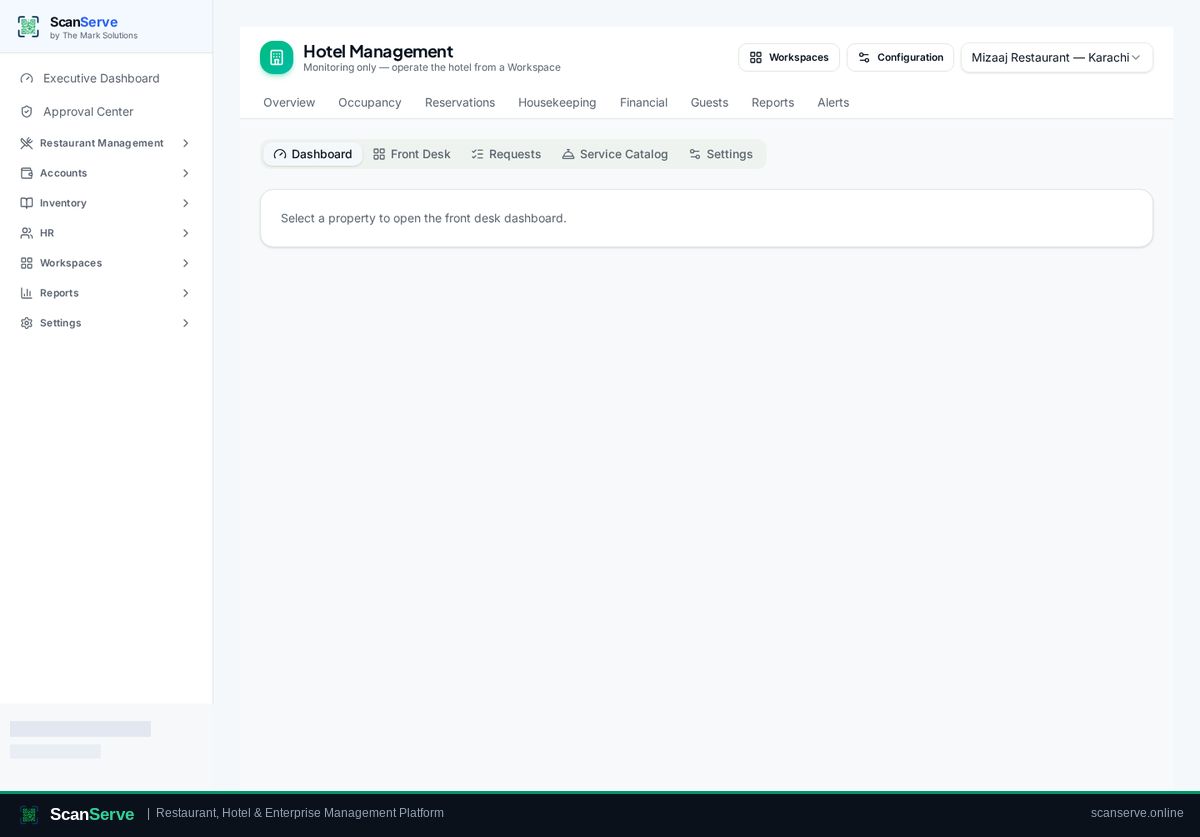
Reception is the hotel control centre in ScanServe. Everything the front desk needs during a shift — today's arrivals and departures, in-house guests, open guest requests and search — sits on one hub, so new staff can be productive quickly.
Guided check-in
The five-step wizard walks through guest identity, stay details, room assignment, charges and confirmation, so nothing important is skipped.
- Five-step check-in wizard
- Room assignment from available rooms
- Booking confirmation document
Check-out that closes the money
Check-out shows the outstanding folio, records the settlement and releases the room to housekeeping.
- Folio review before settlement
- Payment recorded with receipt
- Room flagged for cleaning automatically
Requests and notifications
Guest requests raised from the room QR portal appear in the reception queue with room context, and staff get alerts.
- Request queue with status
- Notification bell for new requests
- Shift handover with recorded activity
Step-by-step guides
Frequently asked questions
- Can receptionists see finance data?
- No. The receptionist role is limited to reception and guest service screens.
- Is there a walk-in flow?
- Yes, reception can create a stay directly during check-in.
Related pages
See it running in your own venue
Start free, or open the interactive demo first.