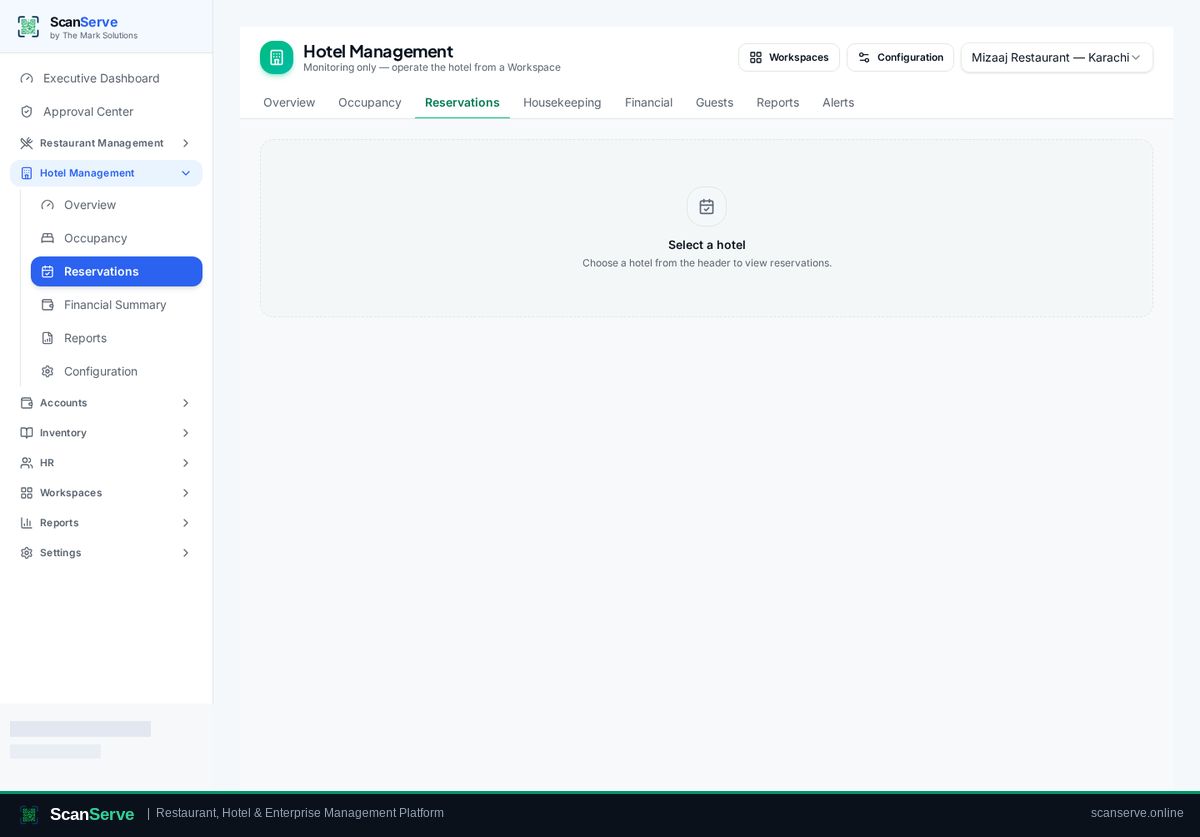
Hotel workspace
Create a reservation
Book a stay with dates, room and guest details, then manage it from the reservation list.
3 steps · real ScanServe screens- 1
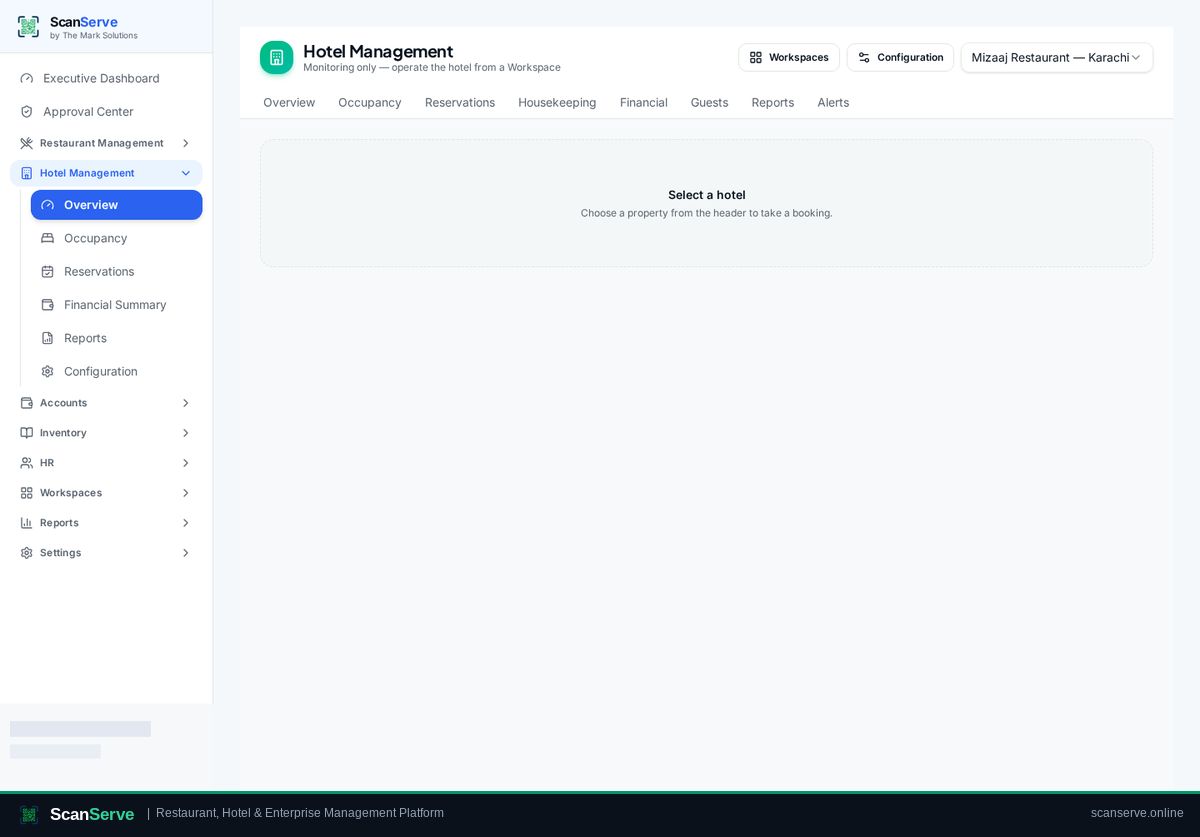
Step 1: Open Booking
Start a new booking from Hotel Management → Booking.
- 2
Step 2: Pick dates, room & guest
Select stay dates, an available room, and enter guest details.
Result: Manage the reservation
The reservation appears in the list, ready for check-in.