Hotel workspace
Create the property, room types & rooms
Set up the hotel, define room types with rates, then create the rooms.
3 steps · real ScanServe screens- 1
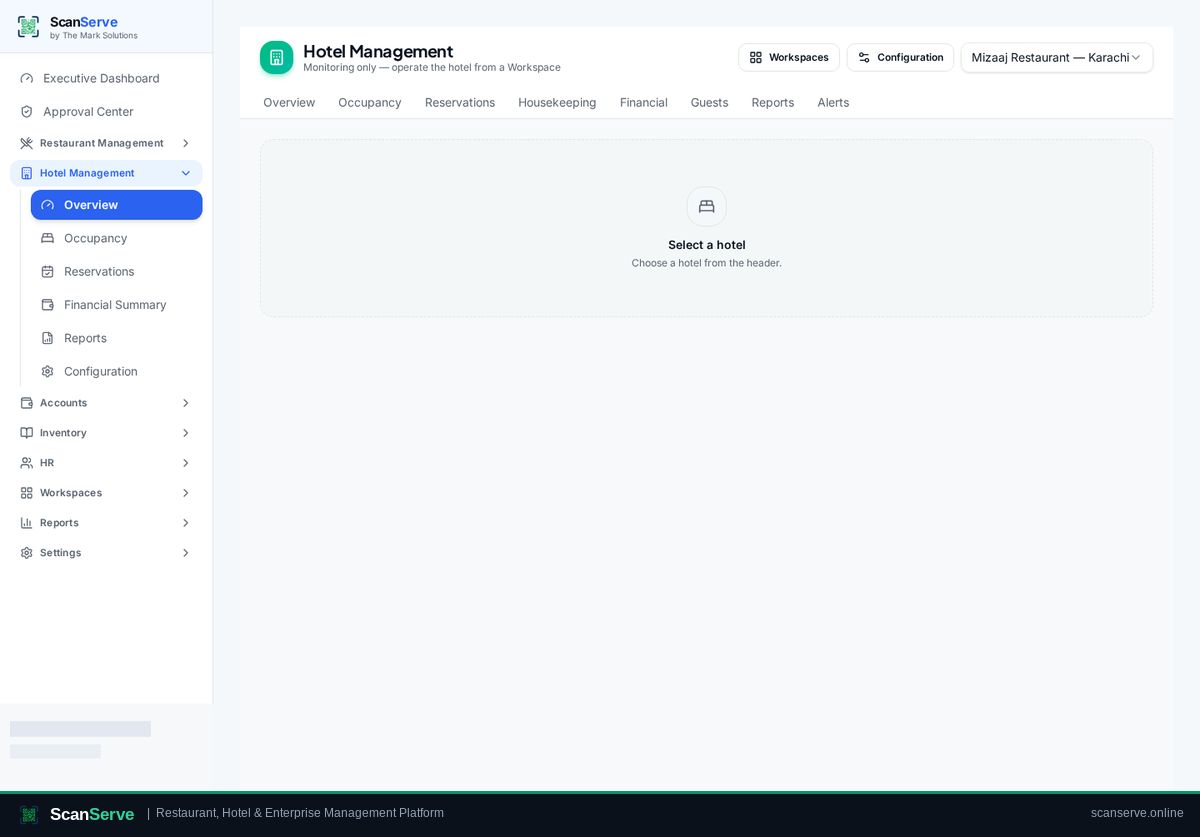
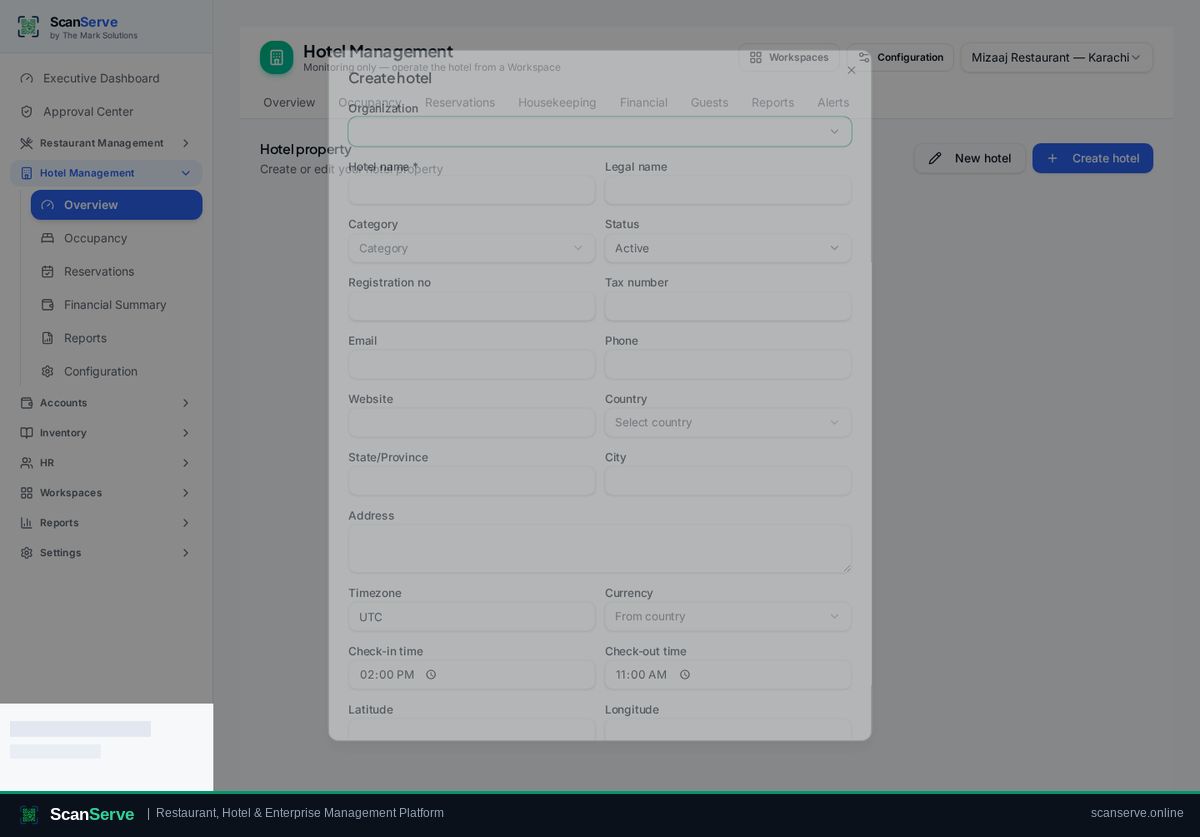
Step 1: Create the hotel property
Hotel Management → Property holds name, address, country and hotel settings.
- 2
Step 2: Add room types & rates
Create room types with occupancy and base rate before adding rooms.
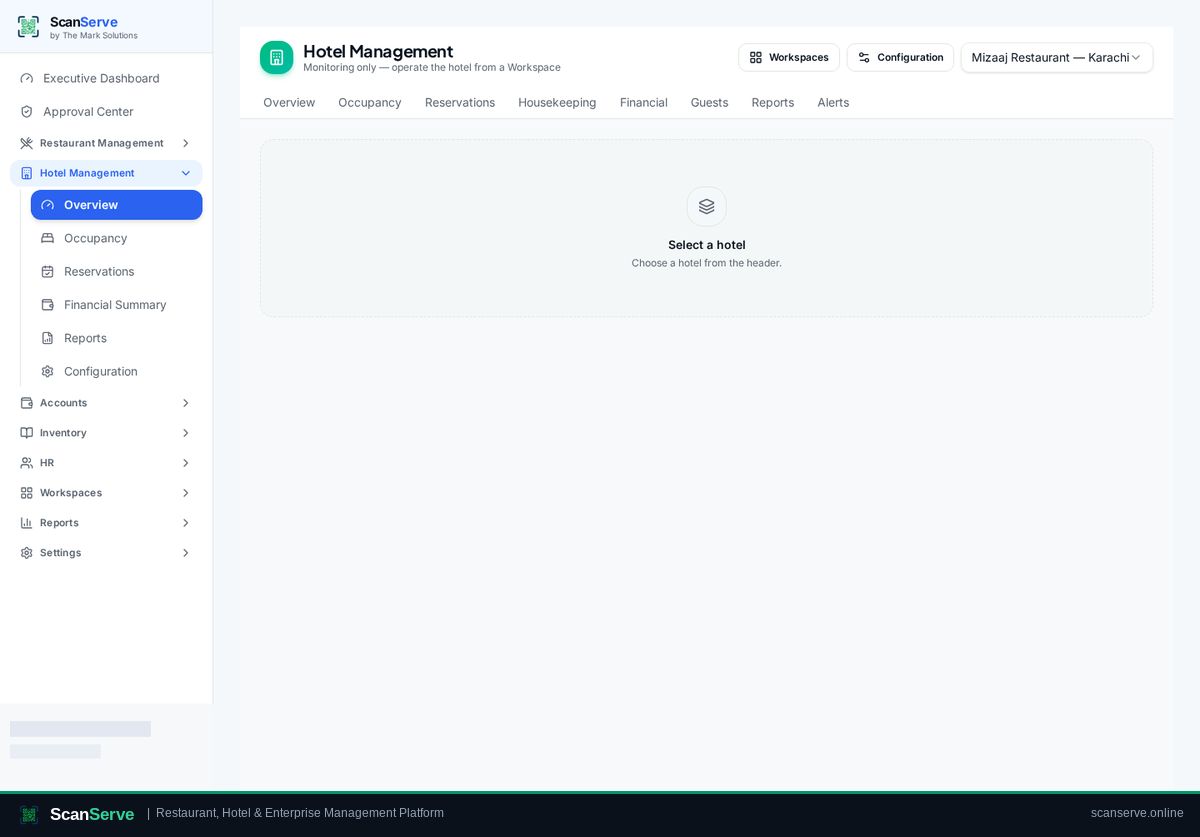
Result: Create rooms
Add each room number, pick its type and floor — rooms now appear on the board.